To Change your Secret Question
Note
You must be logged in to change your Secret Question.
If you use a Personal Identity Verification (PIV) Card to access e‑GOS, you do not have a Secret Question, and the Secret Question page does not appear.
In e‑GOS, click Account > Profile Preferences.
In the Left Rail, click Security.
In the Security page, in the Password area, click Edit.
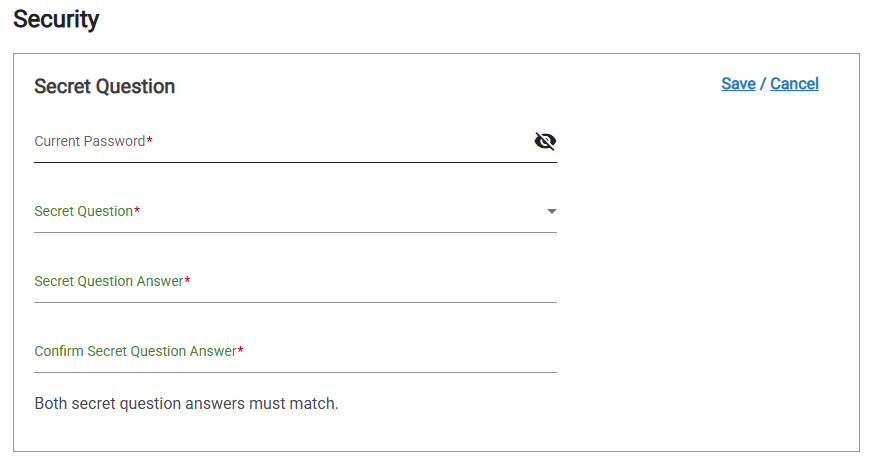
In the Secret Question page, do the following:
Enter your current password
Select your new secret question from the Secret Question drop-down list
Enter the Secret Question Answer
Confirm the Secret Question Answer
Click Save