To Register a New Account
You must register before you can use e‑GOS. Registration is a simple, one-time process. When you register, you create an account and set your username and other login credentials.
Note
If you are an employee of a Contract Holder, your Program Manager must set your account to Active after you register. Your Program Manager or Alternate Program Manager sets your account to Active. You do not need to contact e‑GOS Support for assistance.
In your web browser, navigate to https://nextgen.cio.egos.nih.gov/.
In the Log In page, click Register here.
Do one of the following to register:
If you are an NIH Employee:
On the Create Account page, click Are you an NIH Employee? to select Yes.
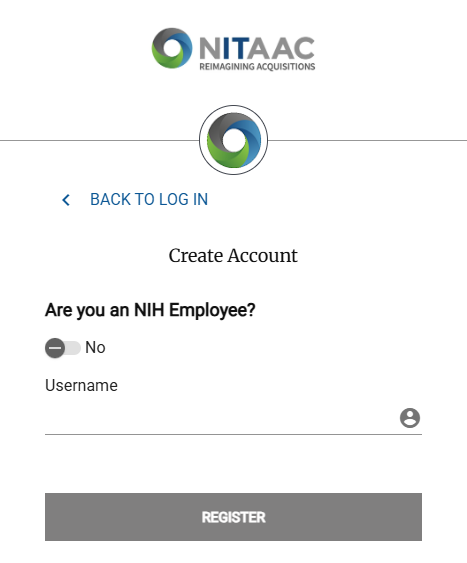
Enter your NIH username in the NIH Username field and your NIH password in the NIH Password field.
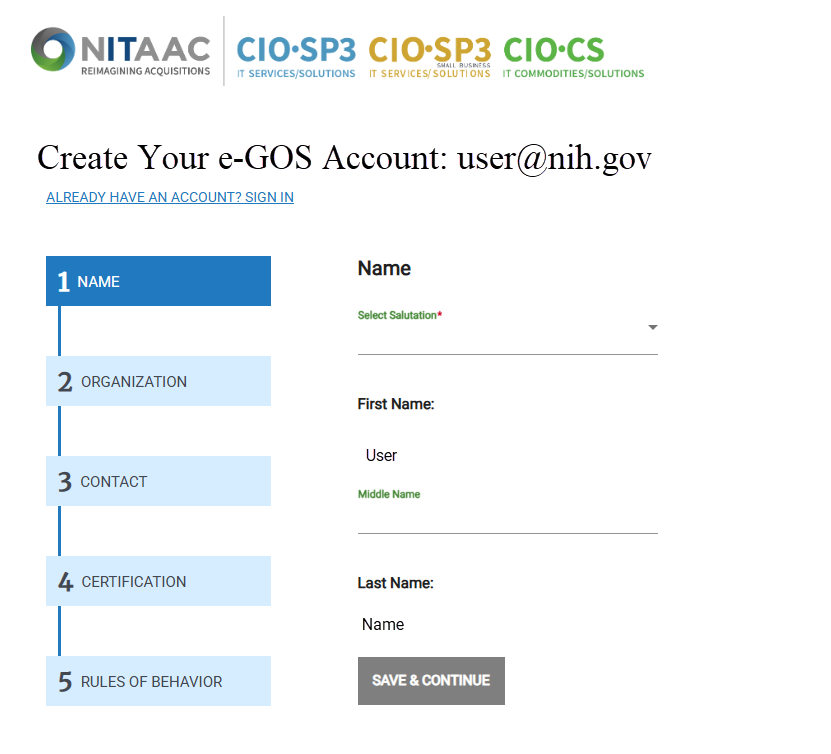
In the Name panel, select a salutation from the Salutation drop-down list, verify that your name is correct, then click Save & Continue.
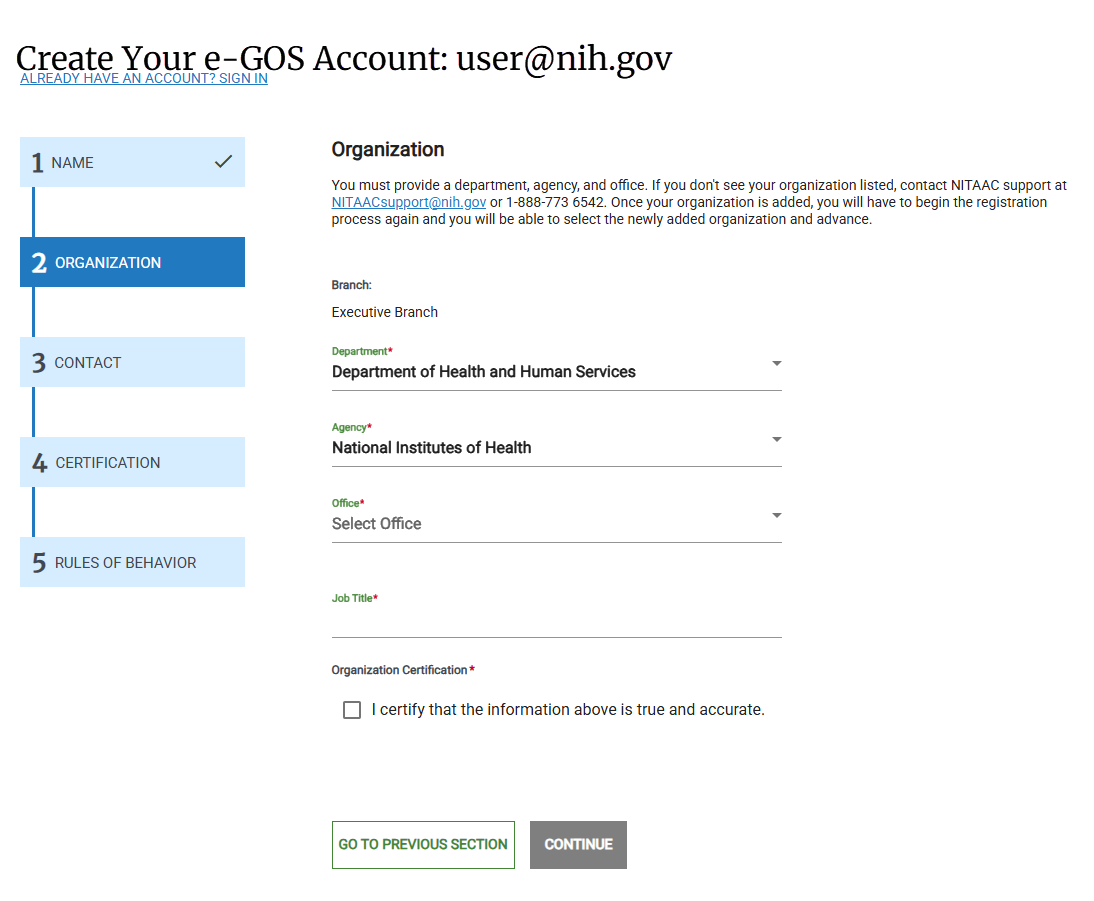
In the Organization panel, verify that your organization information is correct, click I certify that the information above is true and accurate, then click Continue.
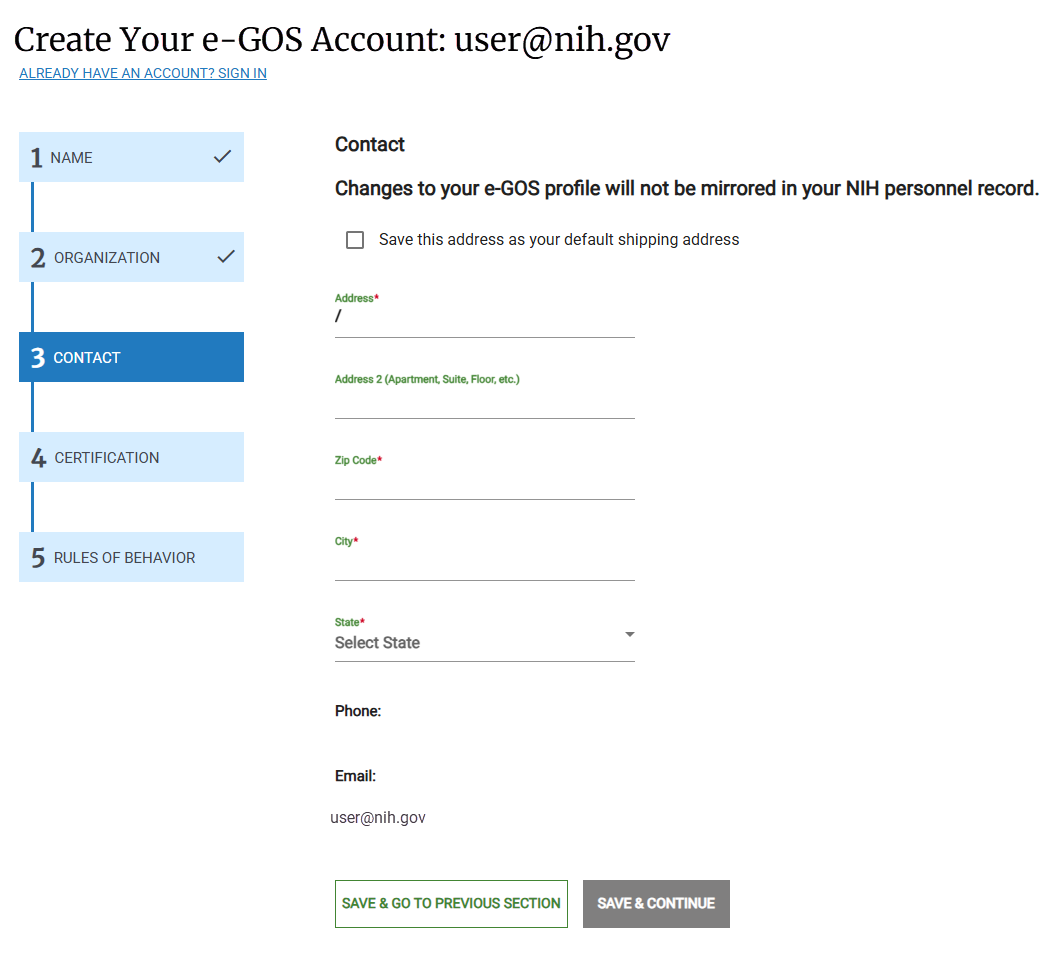
In the Contact panel, enter your contact information, then click Save & Continue.
Note
Changing your contact information in e‑GOS does not update your NIH personnel record.
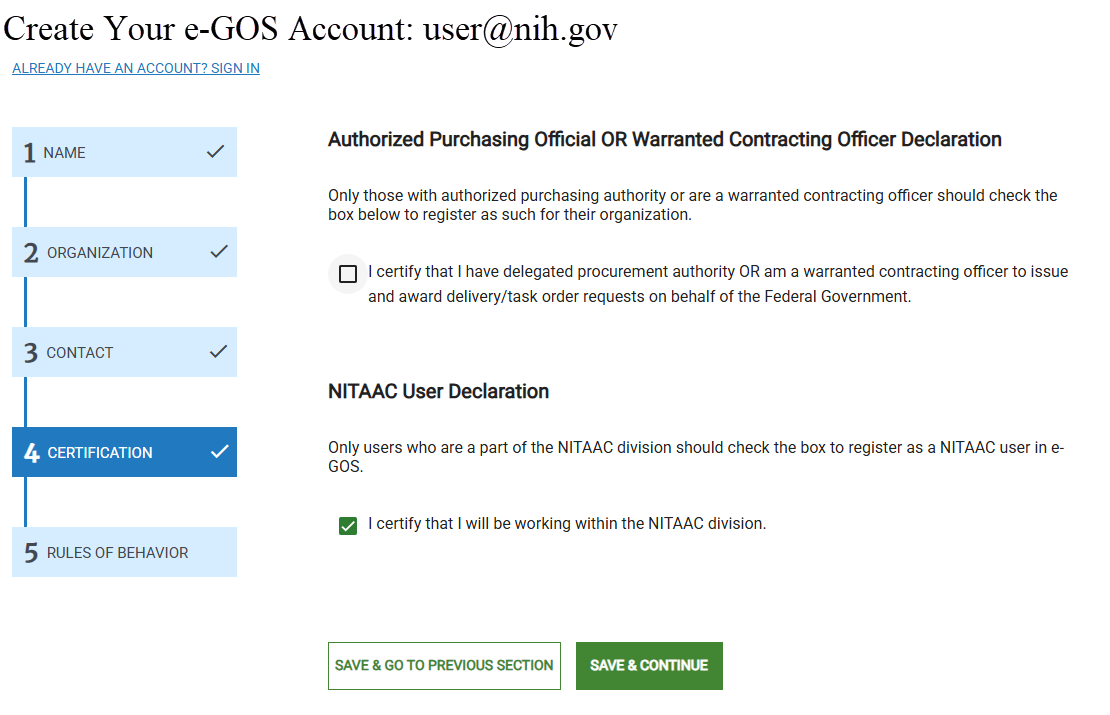
In the Certification panel, do the following:
If you are a warranted Contracting Officer, select the I certify that I am a warranted Contracting Officer... checkbox.
If you are not a warranted Contracting Officer, ensure that the checkbox is not selected.
If you are part of NITAAC, select the I certify that I will be working within the NITAAC division checkbox. If you are not part of NITAAC, make sure the checkbox is unselected.
All users click Save & Continue.
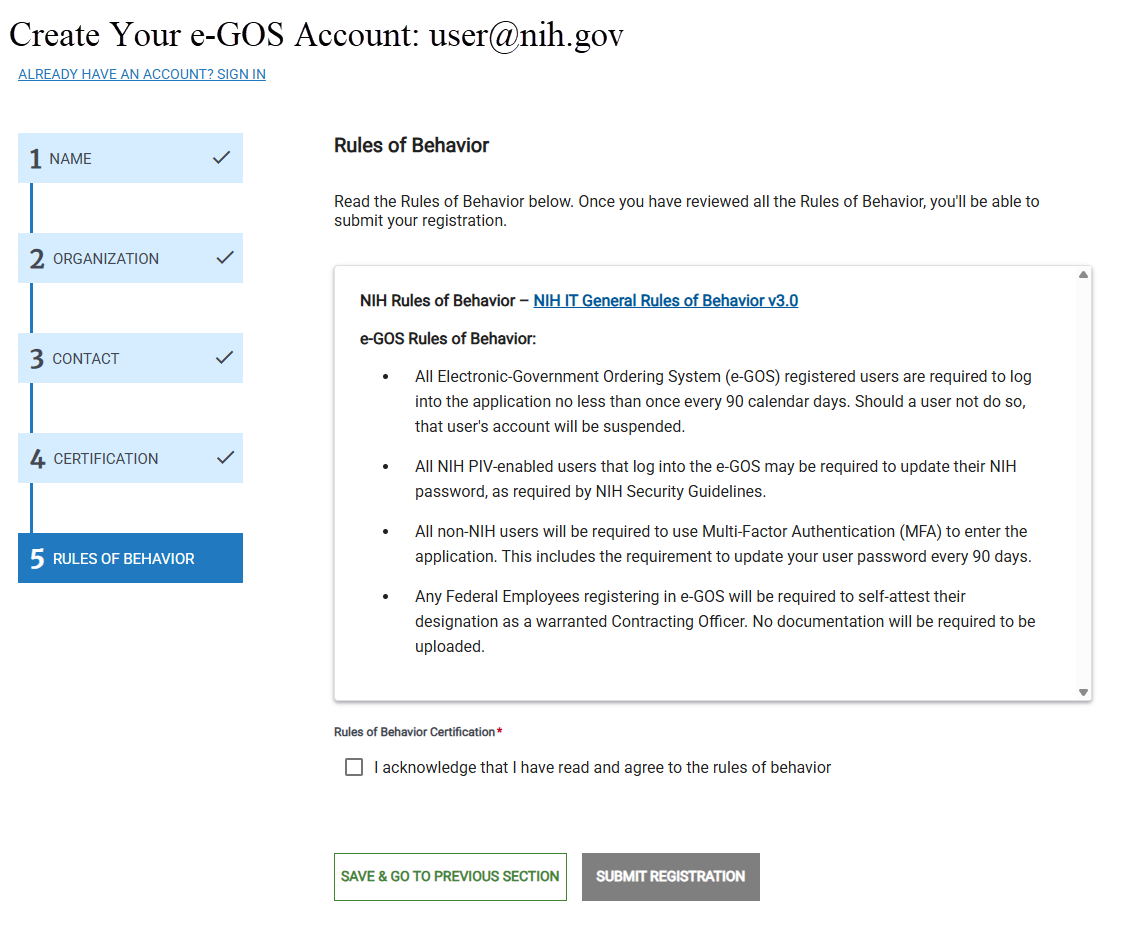
In the Rules of Behavior panel, read the e‑GOS Rules of Behavior. By using e‑GOS, you are agreeing to comply with these rules. Click Submit Registration.
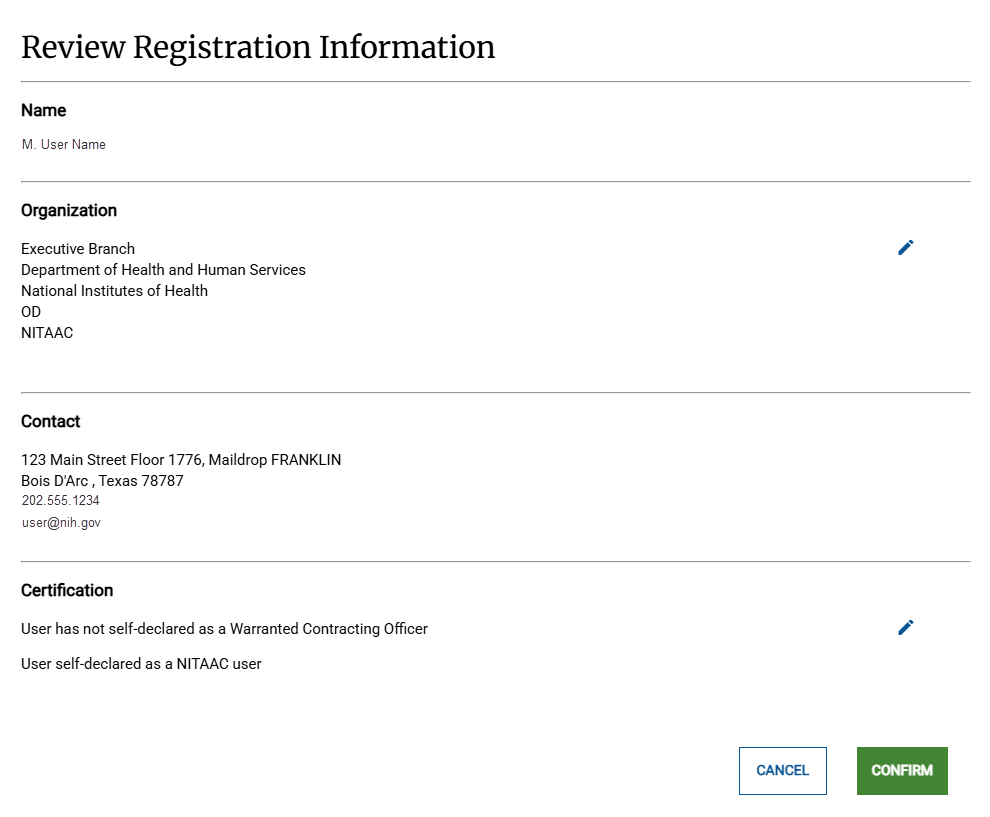
In the Review Registration Information pop-up, review your registration information, then click Confirm.
Note
If you need to make a change to your information, click the pencil
 icon, make the change, then click Confirm.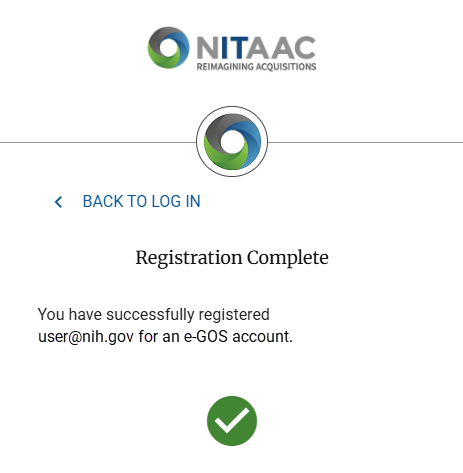
In the Registration Complete panel, click Back To Log In, then log in using your new account.
If you are not an NIH Employee:
On the Create Account page, verify that Are you an NIH Employee? is set to No.
Enter your complete email address in the Username field., then click Register
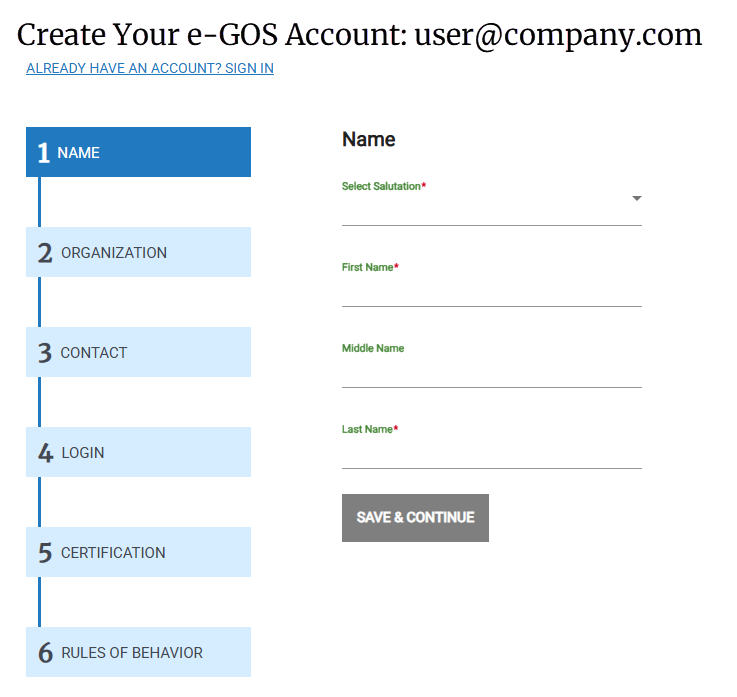
In the Name panel, select from the Salutation drop-down list, enter your name, then click Save & Continue.
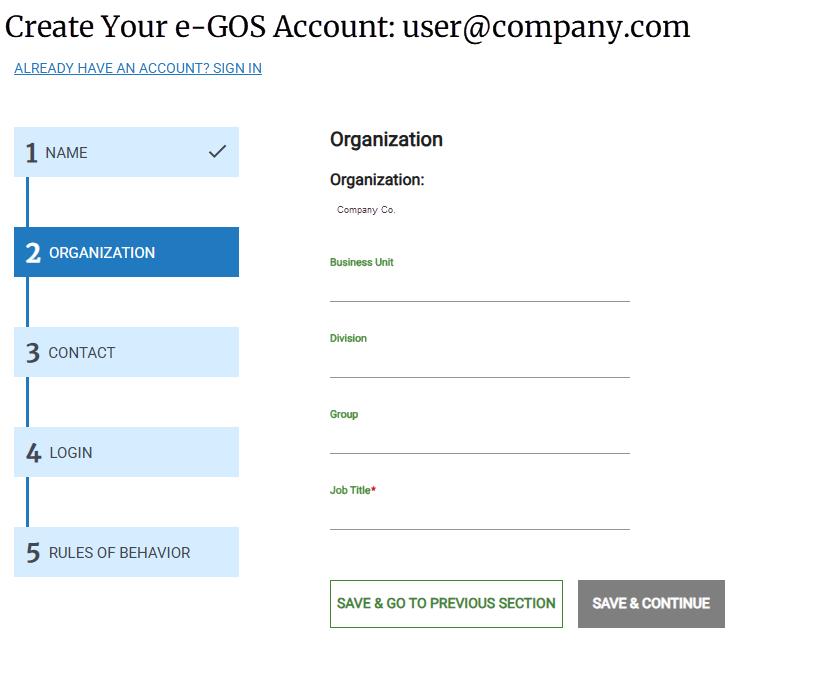
Organization Page for a non-Federal Entity
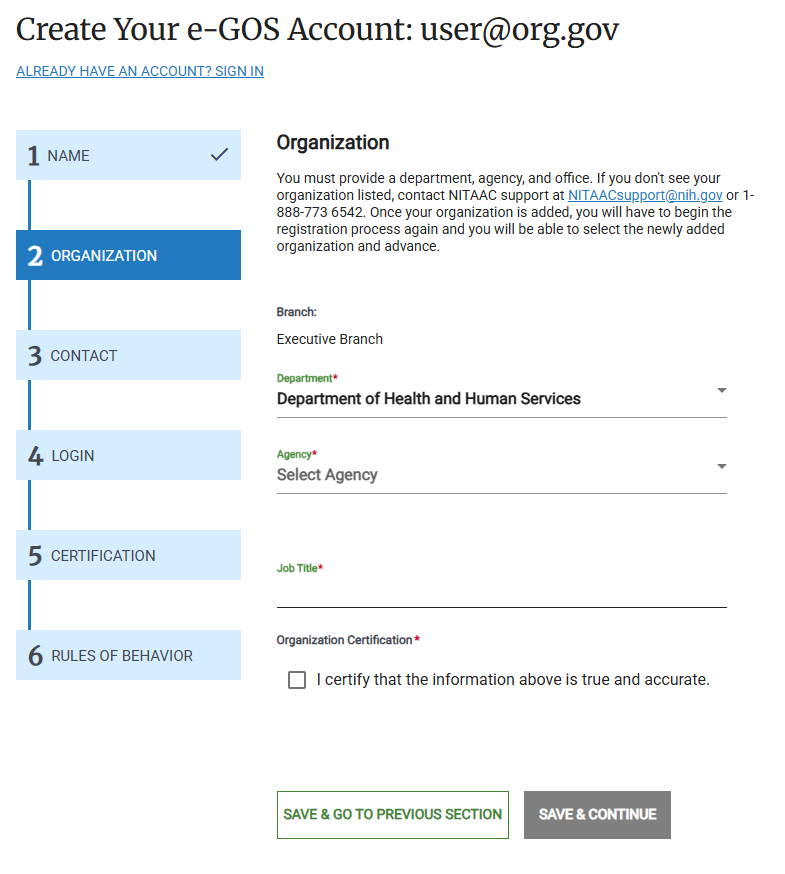
Organization Page for a Federal Entity
In the Organization panel, enter the information about your organization, then click Save & Continue.
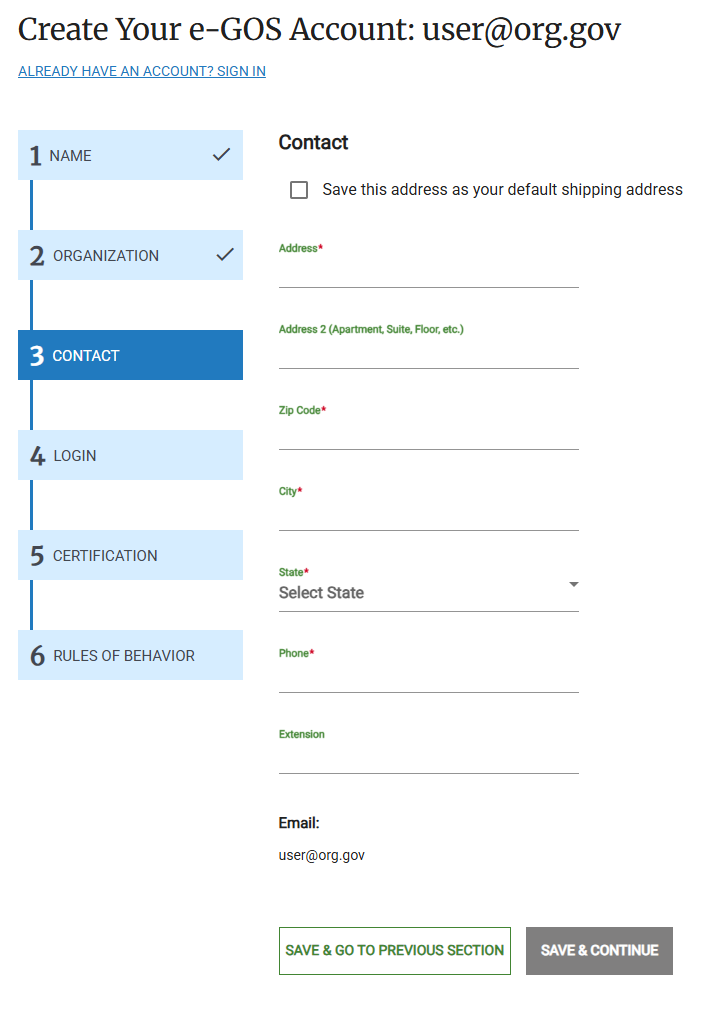
In the Contact panel, enter your contact information, then click Save & Continue.
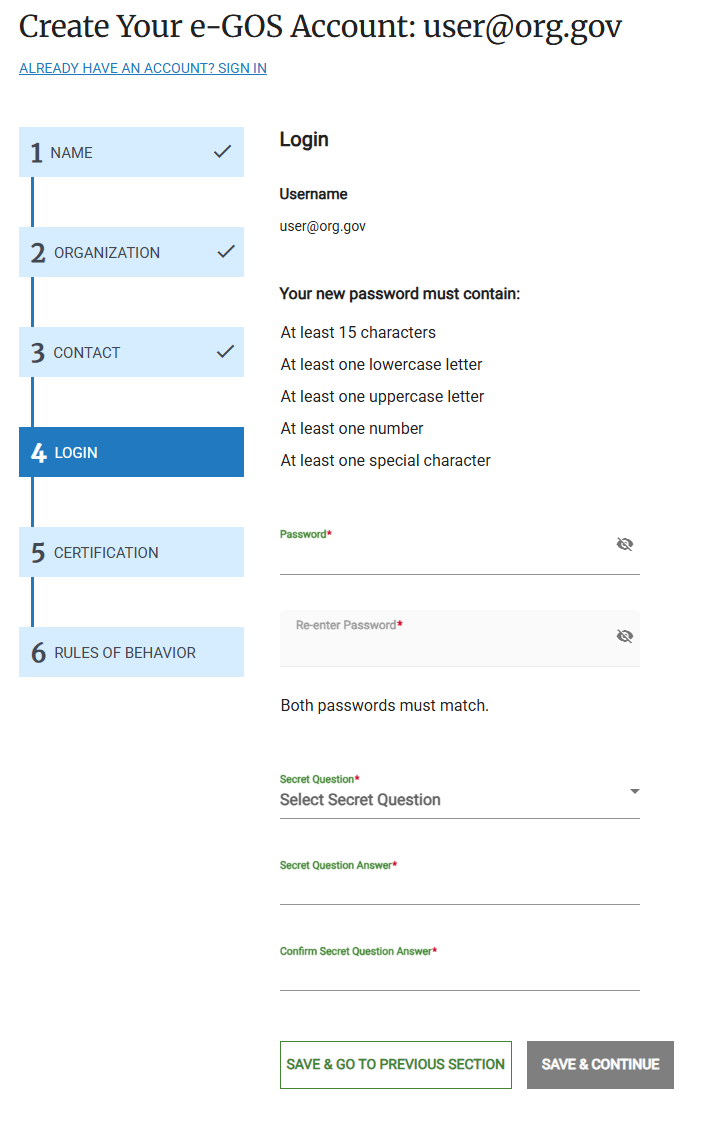
In the Login panel, do the following:
Enter your password in the Password field, then confirm it in the Re-enter Password field.
Select a secret question in the Secret Question drop-down list.
Enter the answer to the secret question in the Secret Question Answer field, then confirm it in the Confirm Secret Question Answer field.
Click Save & Continue.
Note
Your entry in the Password and Re-enter Password fields must match.
Your entry in the Secret Question Answer and Confirm Secret Question Answer fields must match.
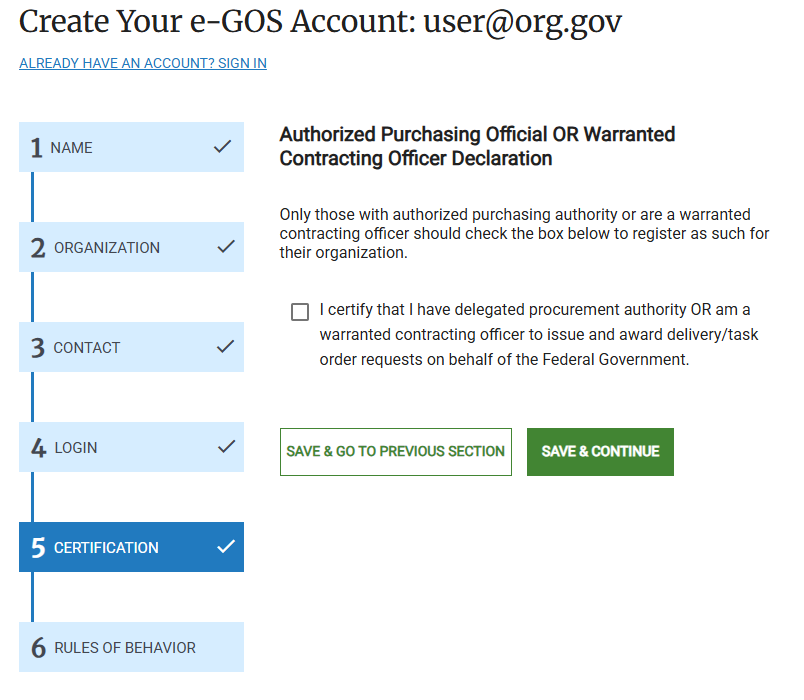
Federal Users Only: If you are a Federal Government User, the Certification page appears. Do the following, then click Save & Continue:
If you are a warranted Contracting Officer, select the I certify that I am a warranted Contracting Officer... checkbox.
If you are not a warranted Contracting Officer, ensure that the checkbox is not selected.
In the Rules of Behavior panel, read the e‑GOS Rules of Behavior. By using e‑GOS, you are agreeing to comply with these rules.
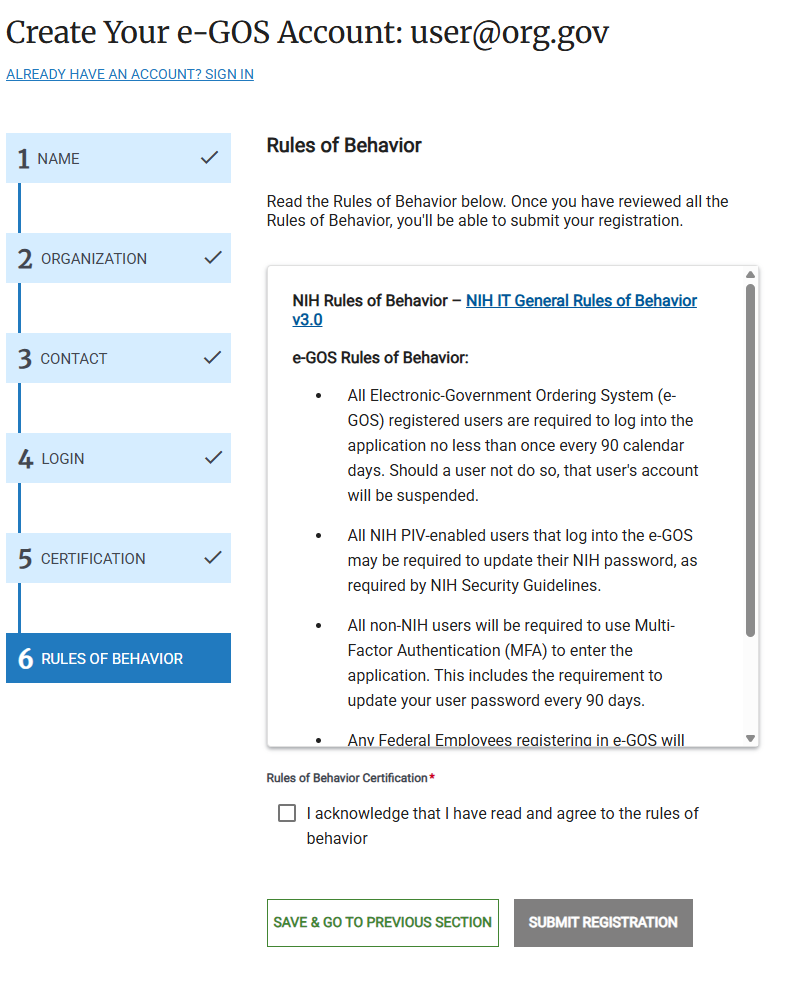
Submit Registration
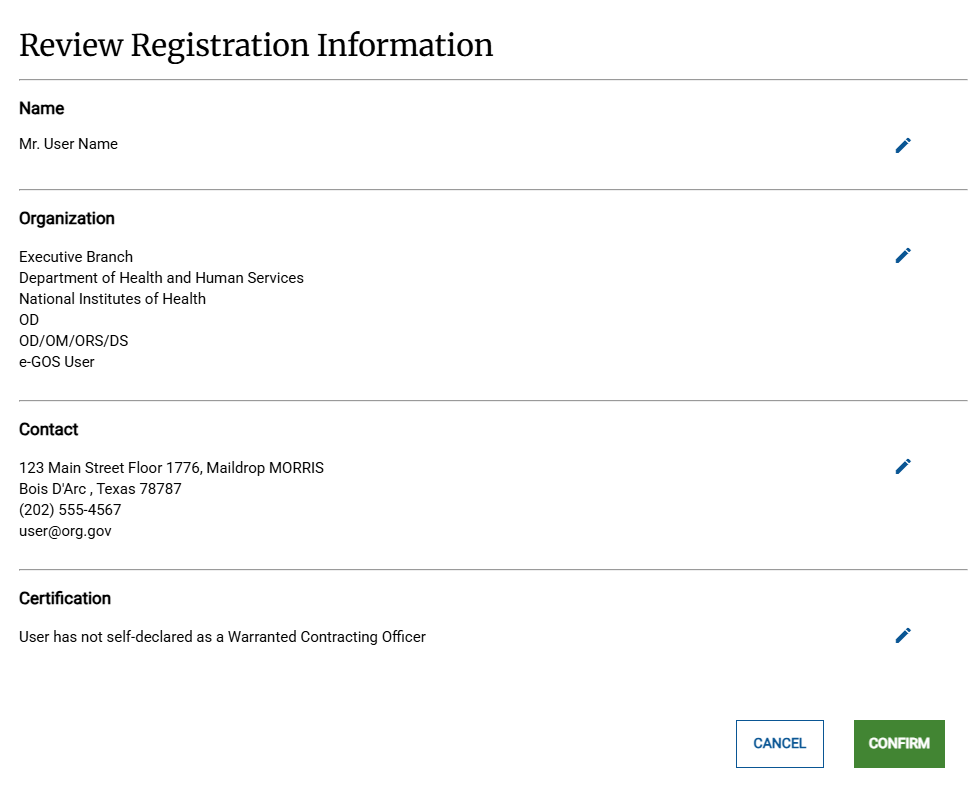
In the Review Registration Information pop-up, review your registration information, then click Confirm.
Tip
If you need to make a change to your information, click the pencil
icon, make the change, then click Confirm.In the Registration Complete panel, click Back To Log In, then log in using your new account.