Cancel an Activity
If needed, the user who created an Activity can cancel it after release and any time before it is Awarded. An Awarded Activity cannot be canceled. When you cancel an Activity, you specify the reason for the cancellation. Reasons can include the following:
Funding
Insufficient responses
No longer a need
Significant change in requirement
Other
To Cancel an Activity
The user who created an Activity can cancel the Activity at any point after it is released and before it is awarded. After the Activity is Awarded, it can no longer be canceled.
On the Activities dashboard click the ID of the order.
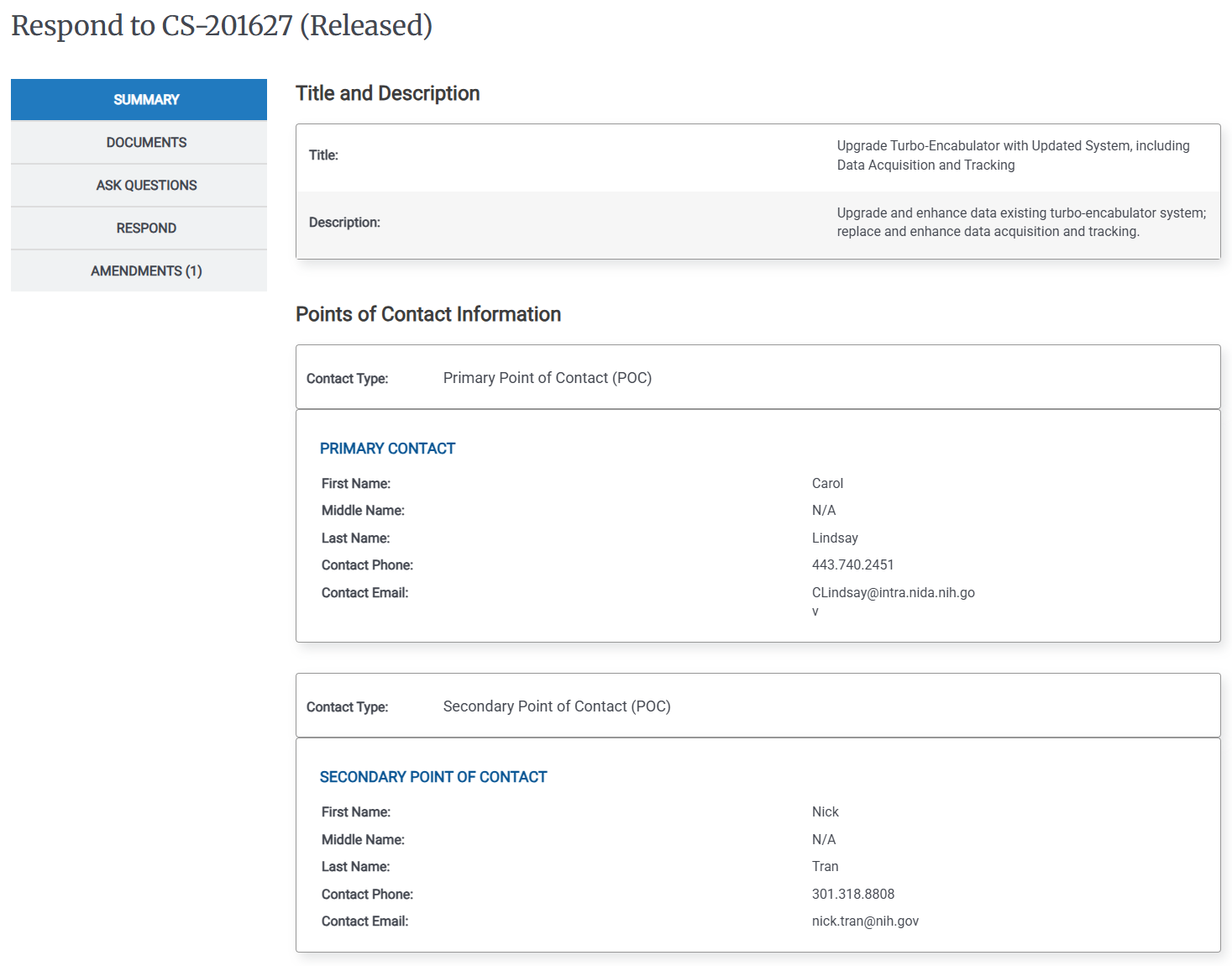
In the Details page, click the Activity Details menu (
 ), then click Cancel. The Cancel dialog appears.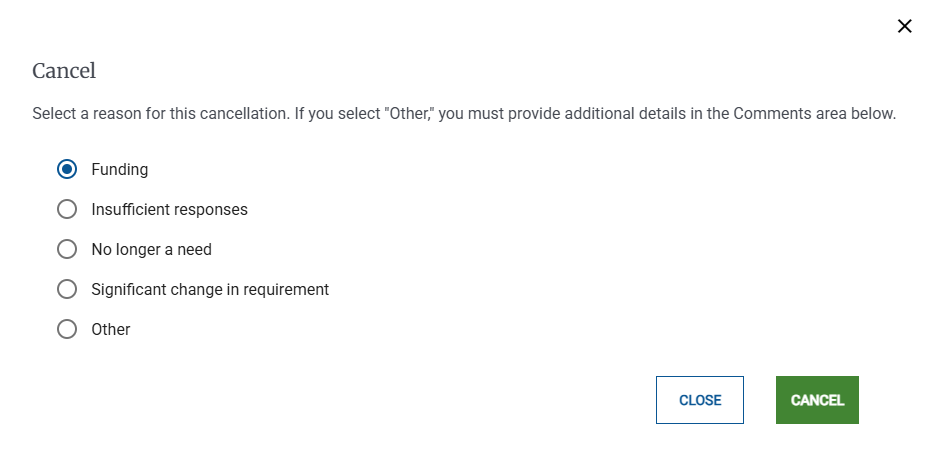
Select a reason for the cancellation, then click Cancel, A confirmation pop-up appears and then the Activities dashboard appears.