To Filter Items in the GSS Catalog the draft
You can use filters in the GSS Catalog to help locate the items that you are interested in. The Filters appear in any page that lists GSS Catalog products.
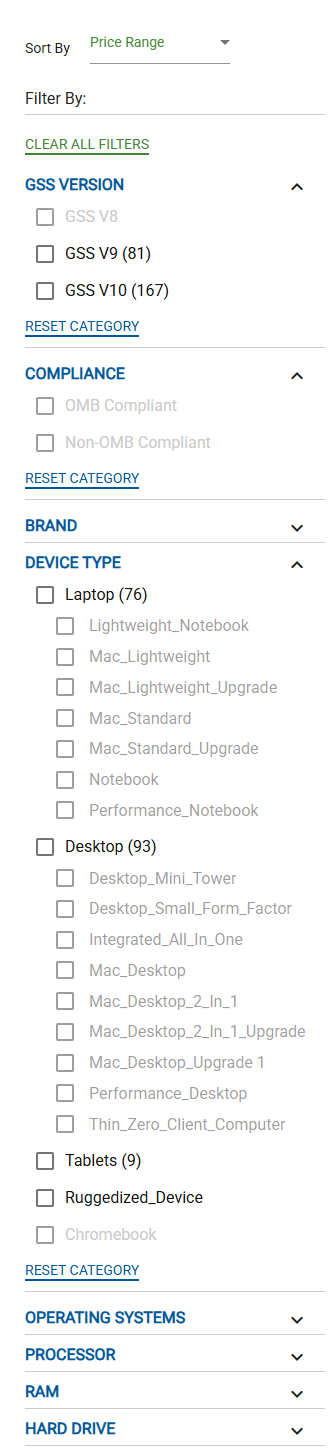
In a GSS Product page, in the Filter By: area, select the checkbox for characteristics that you want to include in the filter. You can select as many items as you wish. Products that match all the selected filters appear
Tip
You can click Clear All Filters to remove all filters.