To Log In to e‑GOS
You must log in to e‑GOS to use the system.
In your web browser, navigate to https://nextgen.cio.egos.nih.gov/.
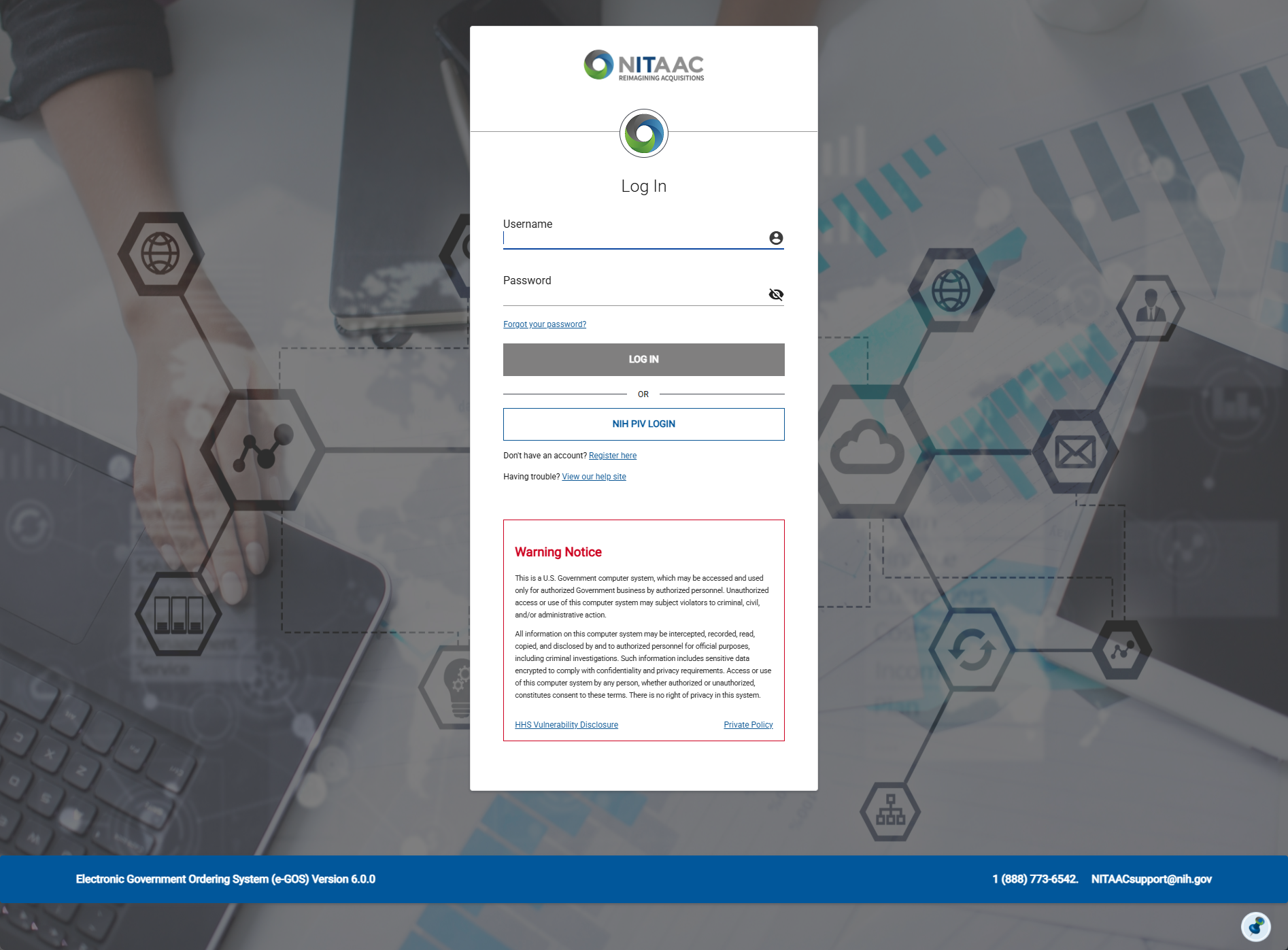
On the Log In page, do one of the following:
If you are a National Institutes of Health (NIH) employee, log in with your Personal Identify Verification (PIV) card and PIN:
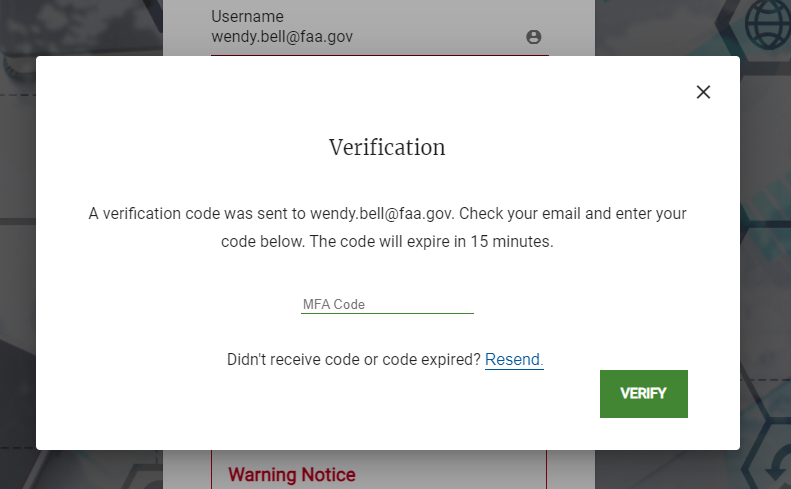
If you are not a National Institutes of Health (NIH) employee, log in with two-step verification:
Tip
The first time that you log in to e‑GOS, you must verify your contact information.
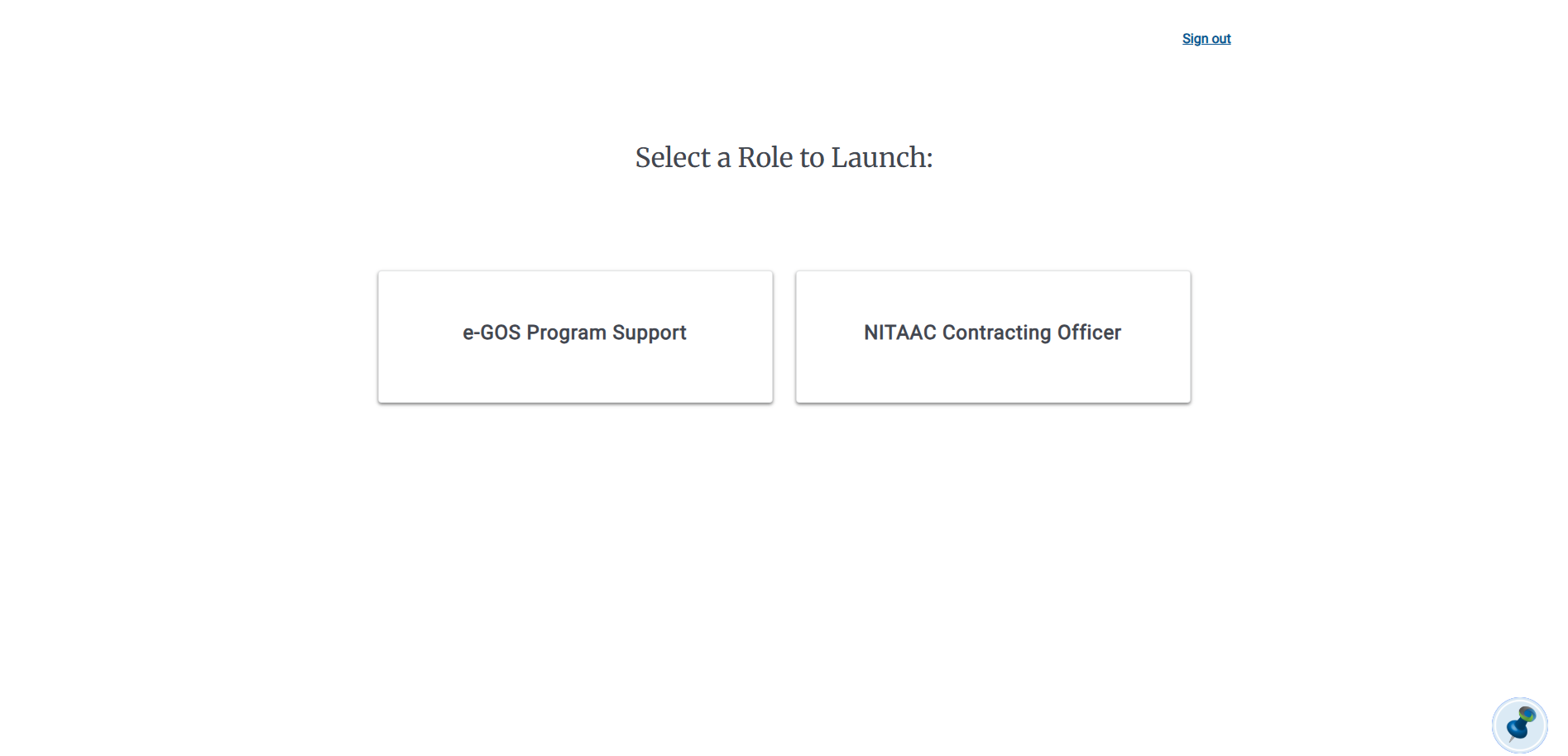
Optional: If you have more than one user role assigned in e‑GOS, the Select User Role page appears. Click the role that you want to use. The role affects the tasks that you can perform in e‑GOS. If you need to, you can select a different role after you log in.
Note
If you only have one role assigned, the page does not appear.
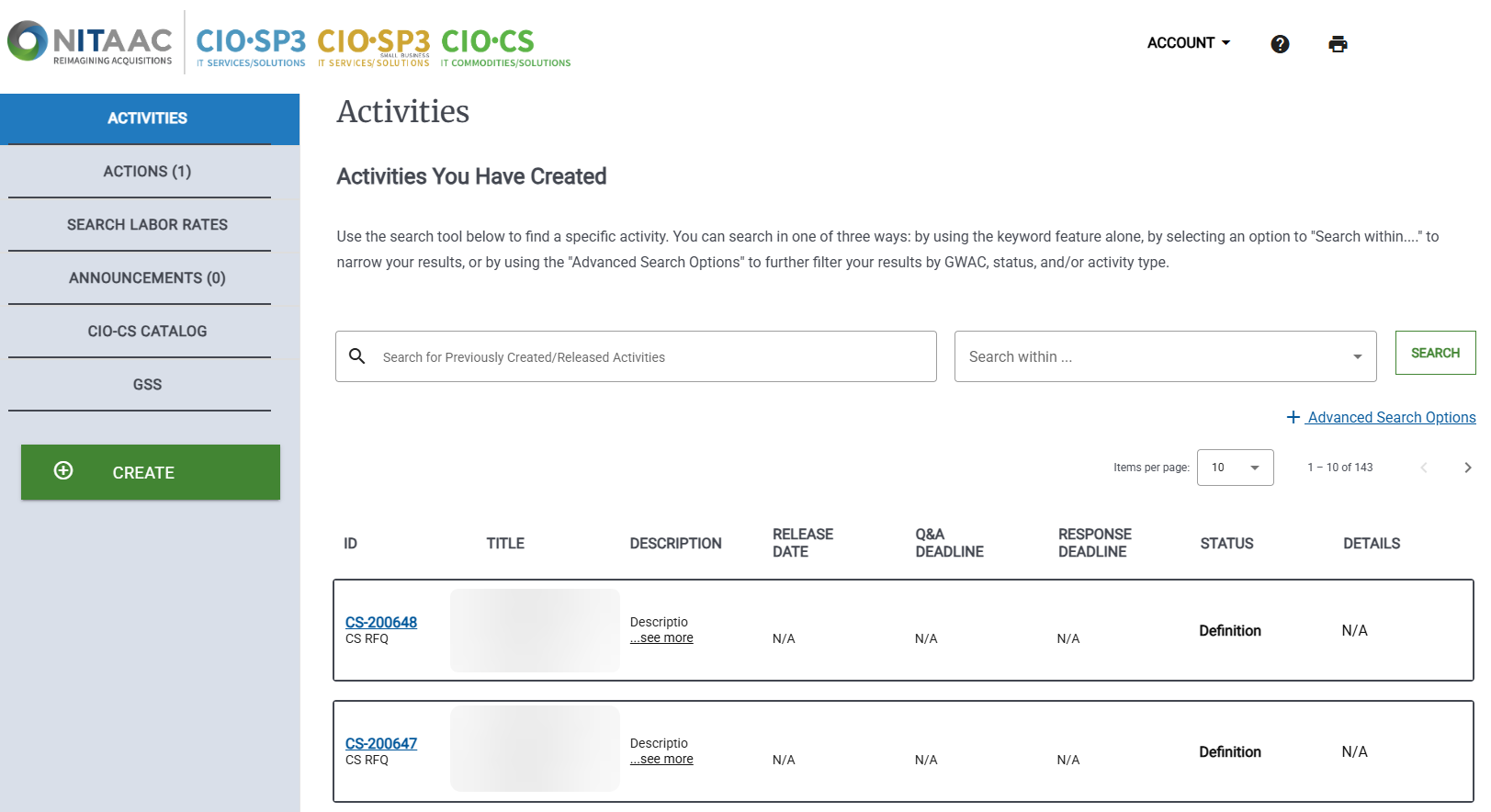
The e‑GOS Activities Dashboard appears.