To Search Labor Rates
In the Left Rail, click Search Labor Rates.
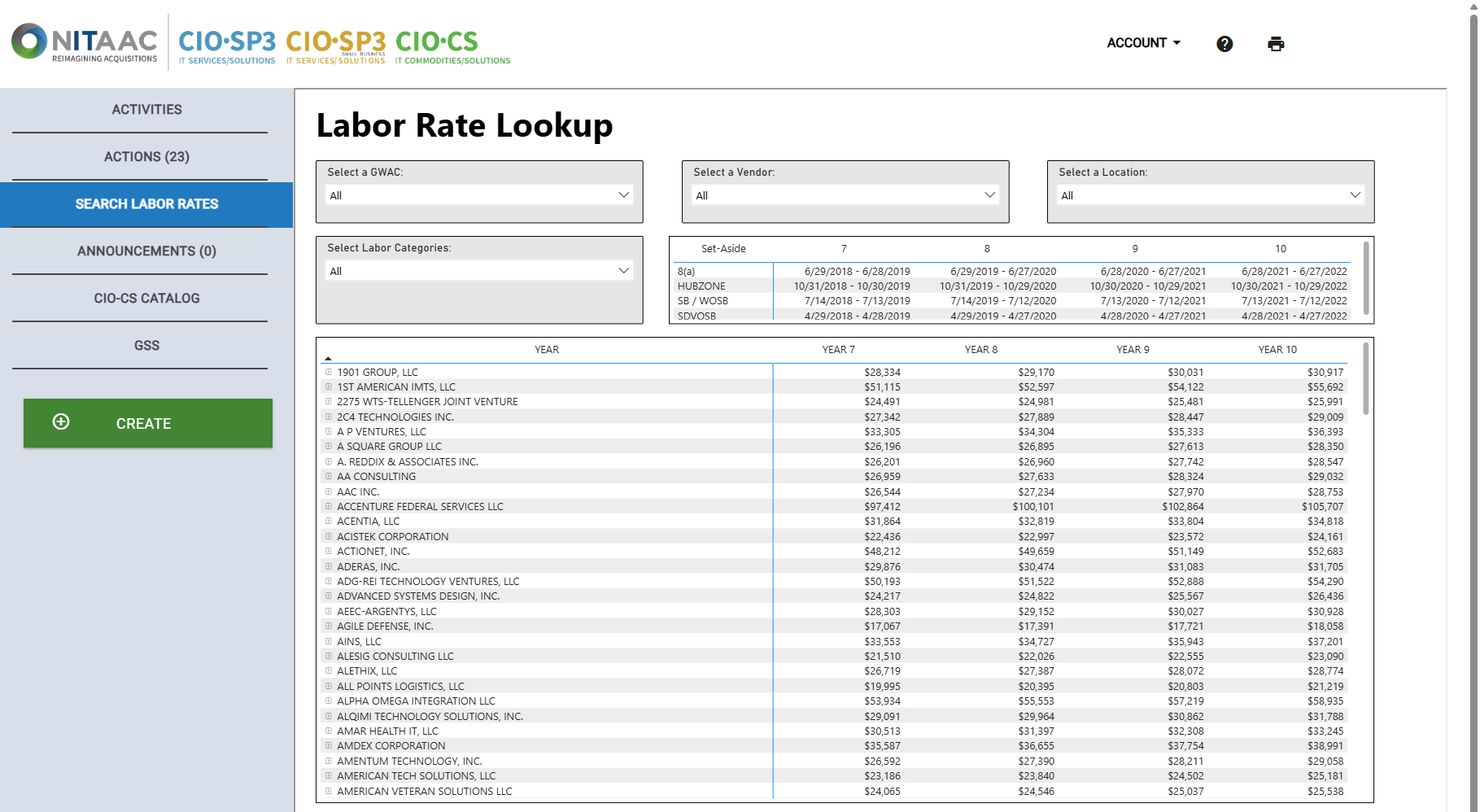
Select one or more items from the drop-down lists to limit the items that appear. You can type in the Search field at the top of a filter to find items in the filter that match the text. Only items that match all of the selected filters appear.
Click the + icon beside a Contract Holder's name in the list to view all matching labor categories for that Contract Holder.