To View Standard Configurations
The Office of Management and Budget (OMB) releases Technical Specifications/Revisions each year as part of the Best in Class designation. When new specifications are released, as a BIC designated IT contract NITAAC releases the newest version of Government wide Strategic Solutions (GSS) for Desktops and Laptops.
NITAAC-GSS is one of three preferred OMB sources for federal civilian and DoD agencies looking to obtain desktops, laptops, monitors, software and hardware at a competitive price.
The e‑GOS GSS Product Catalog includes a link to these Technical Specifications for your reference.
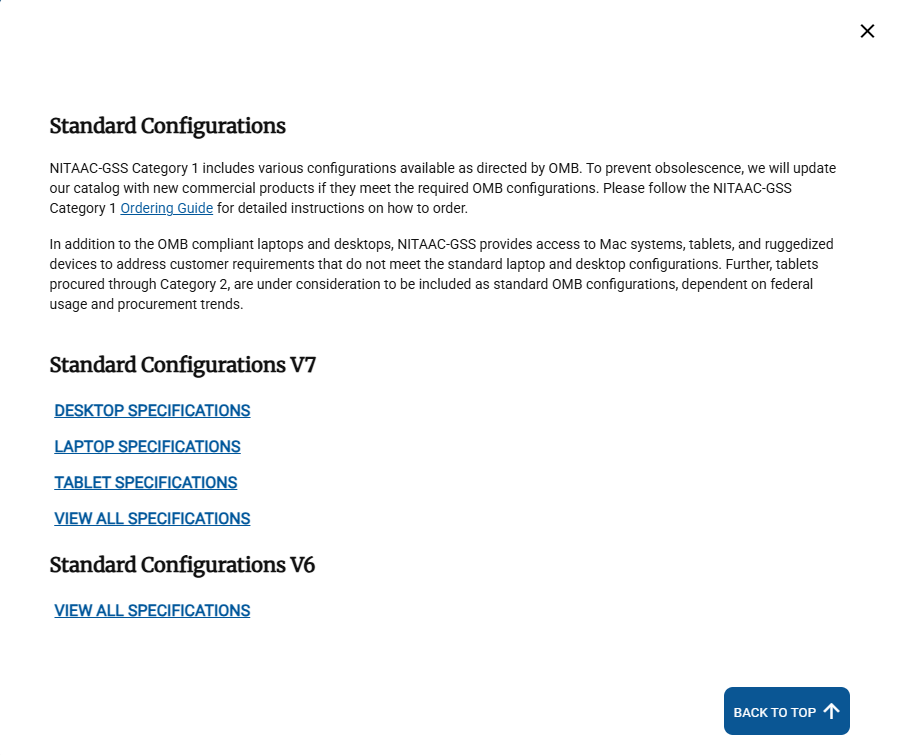
In any GSS Page, click Standard Configurations at the top of the page.
Tip
The available configurations and GSS versions may differ from the help. The dialog box includes configuration specifications for each GSS contract available to you.
Locate the standard configuration file that you want to review and click it. The PDF file opens in a new tab.
When you've reviewed the file, close the tab and return to this tab. Click X in the Standard Configuration dialog to close it.