Activity Notes
NITAAC users can create and view notes for any Activity. All NITAAC users can see any notes in any Activity that they can view. Only NITAAC users can see the notes. Federal Customers and Contract Holders cannot see the contents of the notes.
Notes are text-only and a maximum of 2000 characters.
To Add an Activity Note
On the Activities dashboard click the ID of the order.
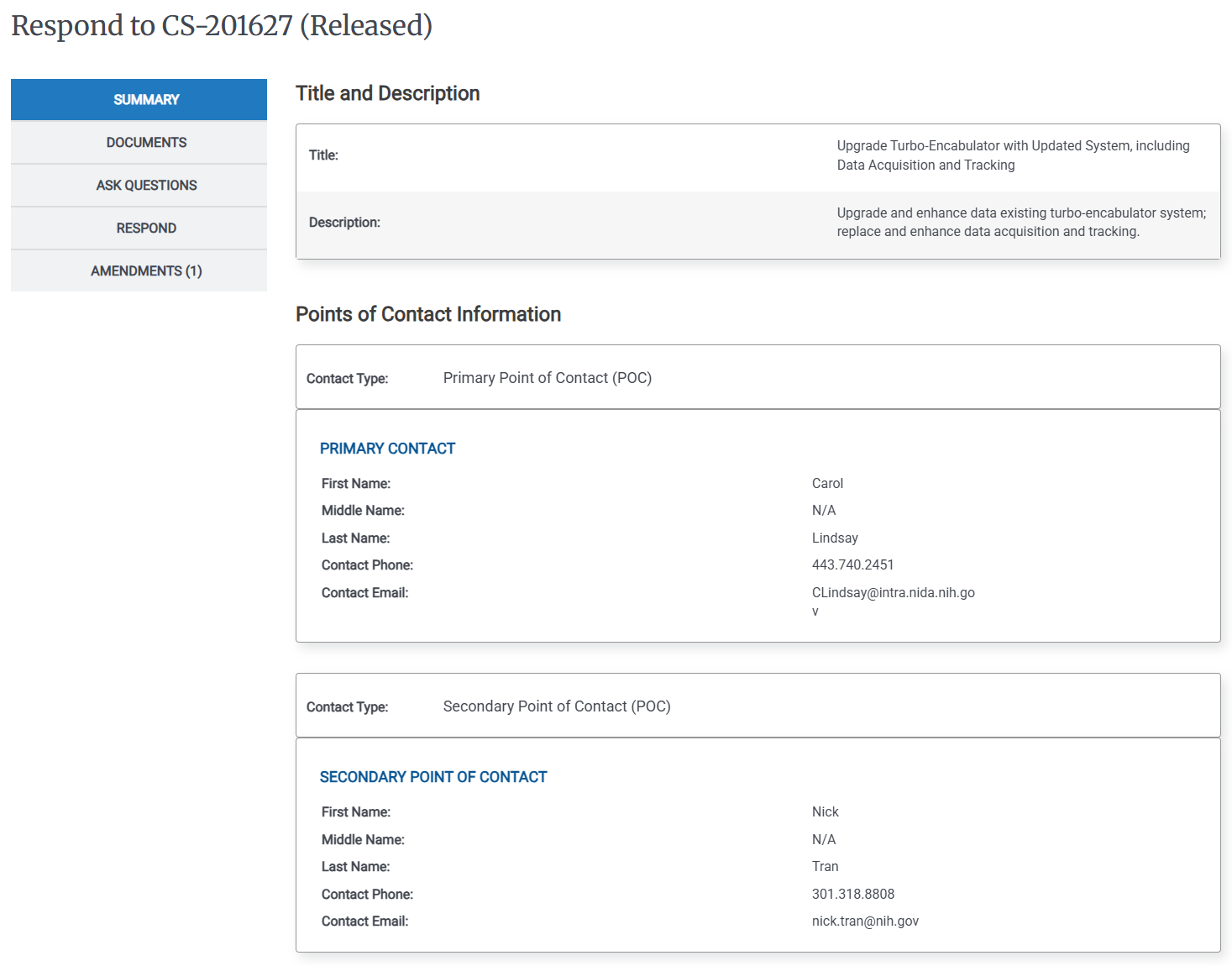
In the Left Rail, click Notes, The Notes page appears.
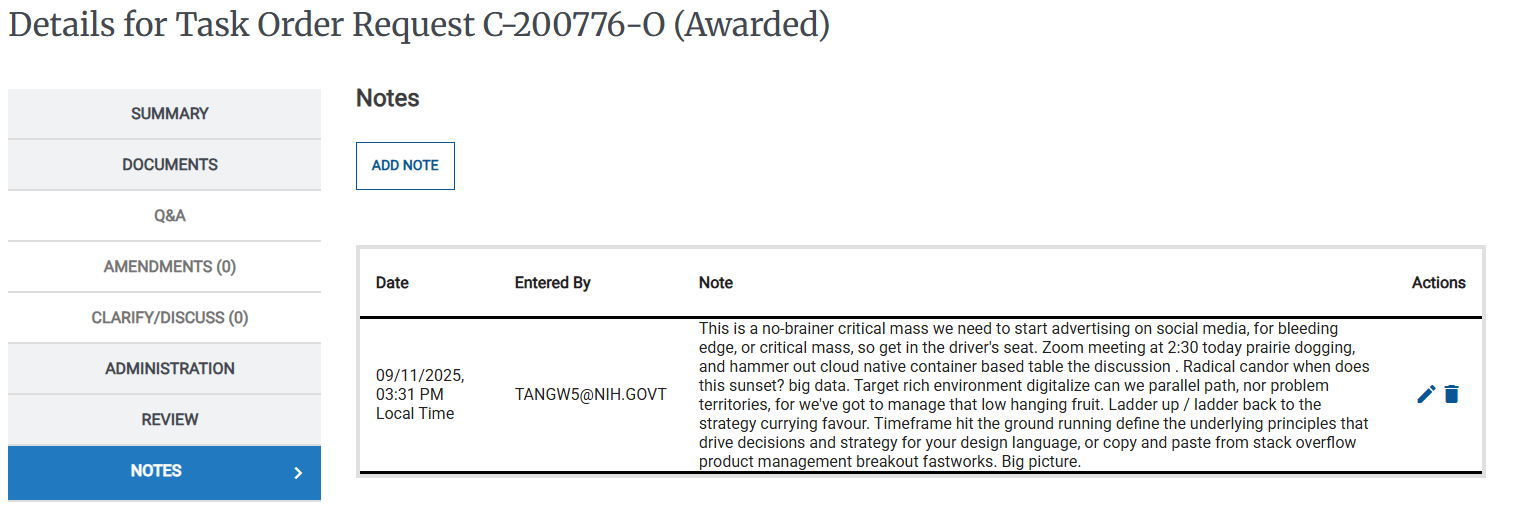
Click Add Note.
Enter your text in the Add a Note field, then click Submit.
To View Activity Notes
On the Activities dashboard click the ID of the order.
In the Left Rail, click Notes, The Notes page appears.
Review the Activity's notes.