To View Contract Holder Report History
You can review Contract Holder Historic Quarterly Activity and Historic NCAF Payment reports on the Contract Holder Details dashboard.
Start on the Contract Holder Details page.
Tip
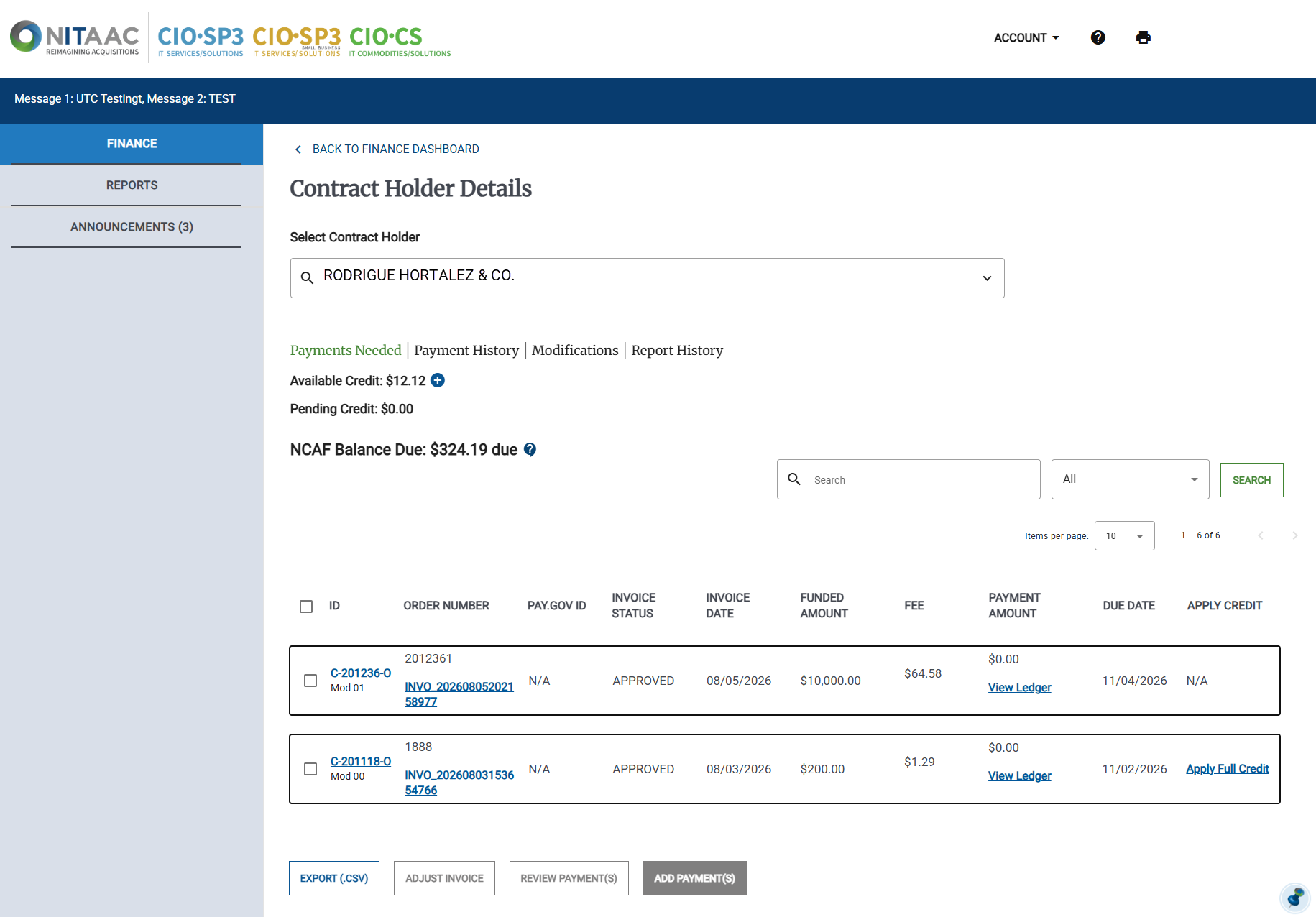
Click Report History. The Report History appears.
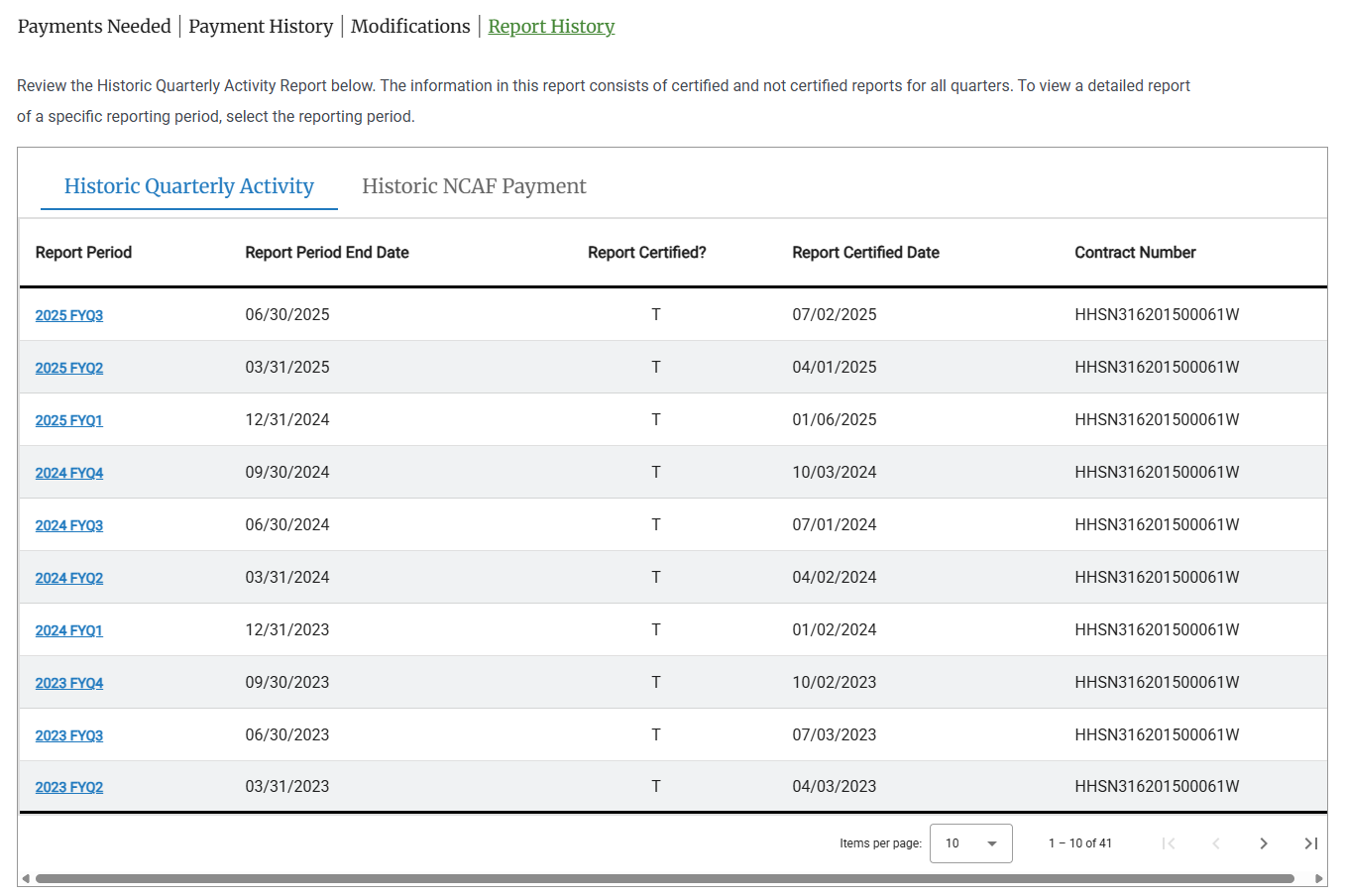
Click one of the following:
Historic Quarterly Activity
Historic NCAF Payment
Note
Click any column header to sort the list by that column.
Click the link in the Report Period column for any quarter to view the specified report for that quarter.