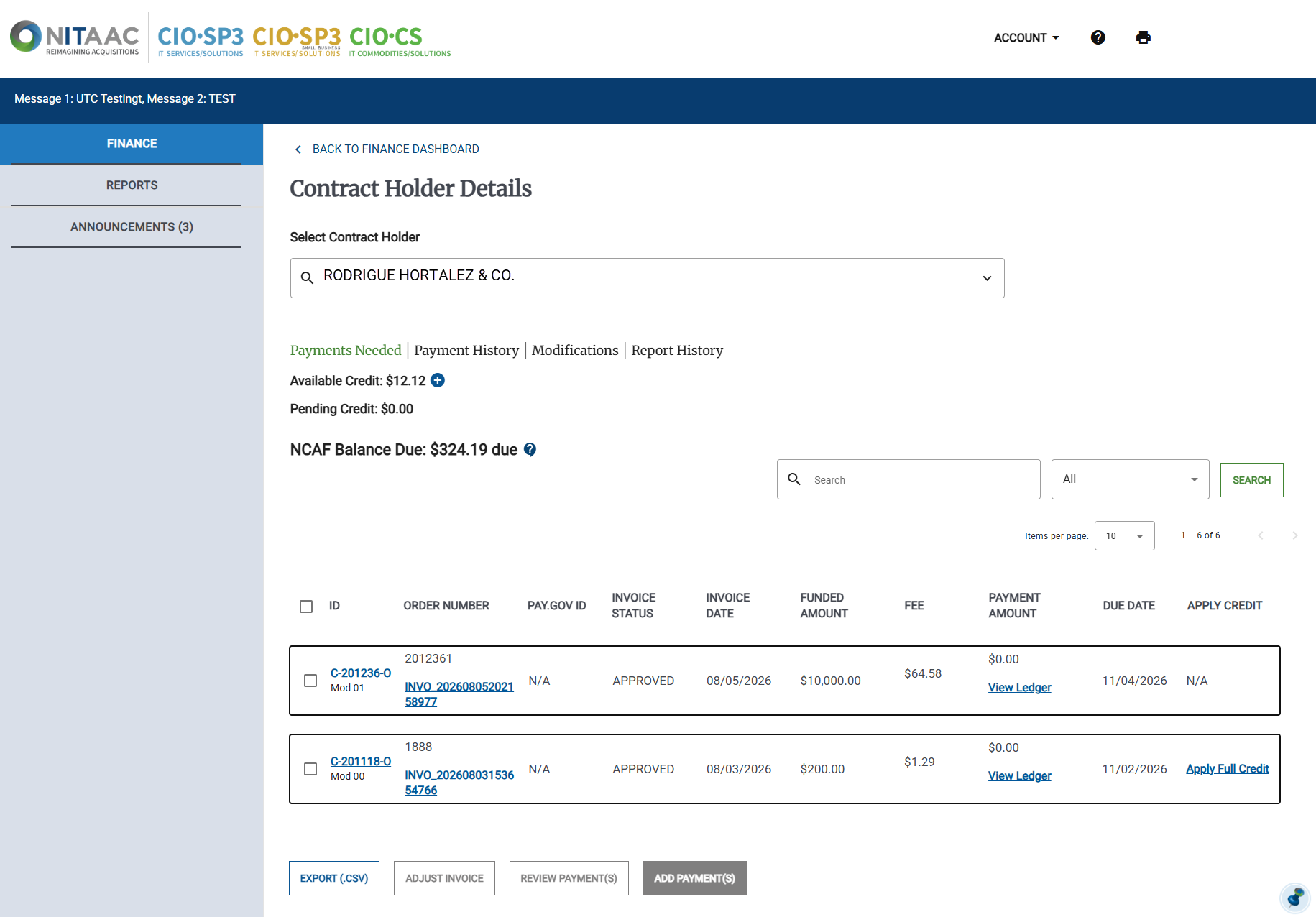
To View Contract Holder Details
In the Left Rail, click Finance. The Finance Dashboard appears.
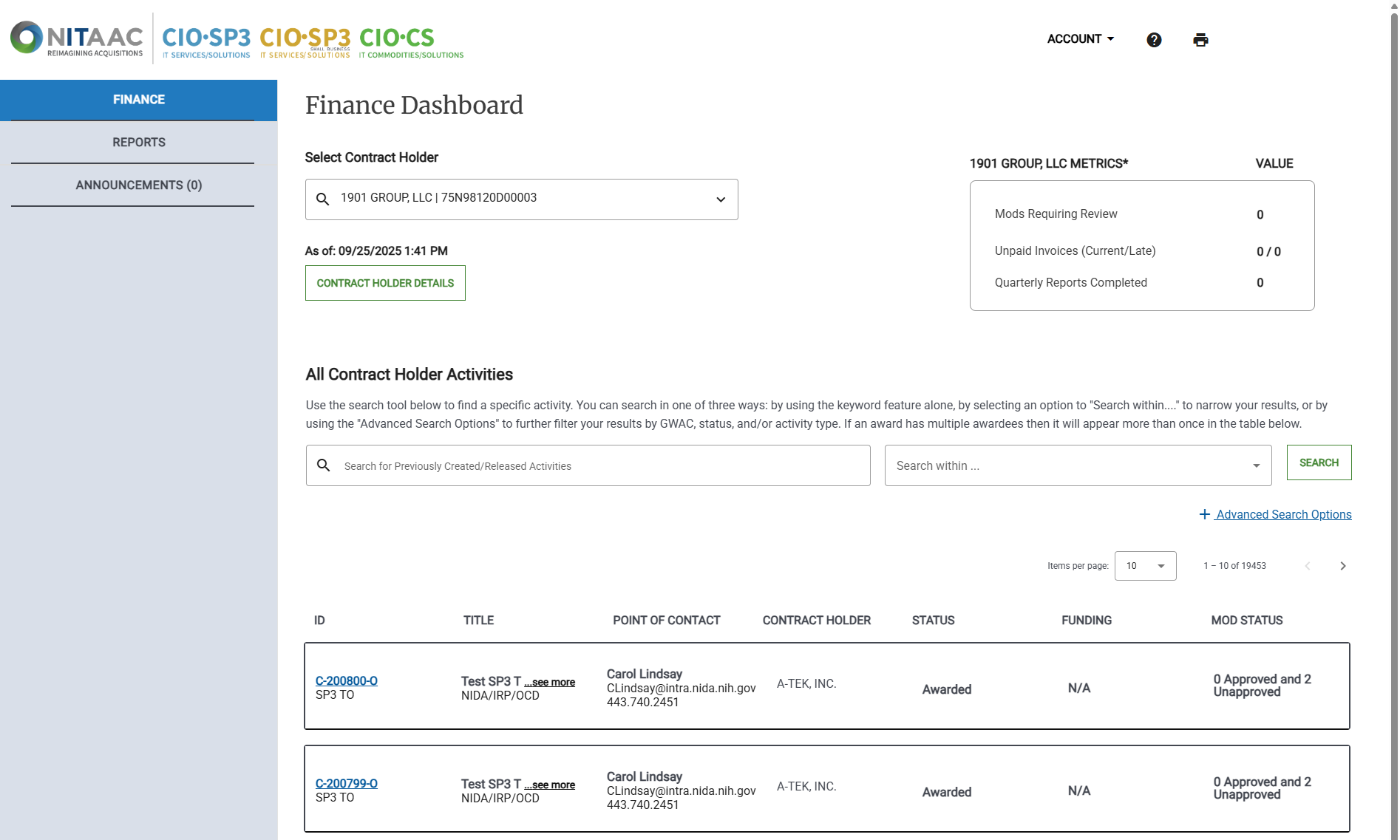
On the Finance Dashboard, select the Contract Holder from the Select Contract Holder drop-down list.

Tip
When you select a Contract Holder, all the related contracts appear.
Click the x in the drop-down list to reset the list.
Click Contract Holder Details. The Contract Holder Details page appears.