To Manage TRPs
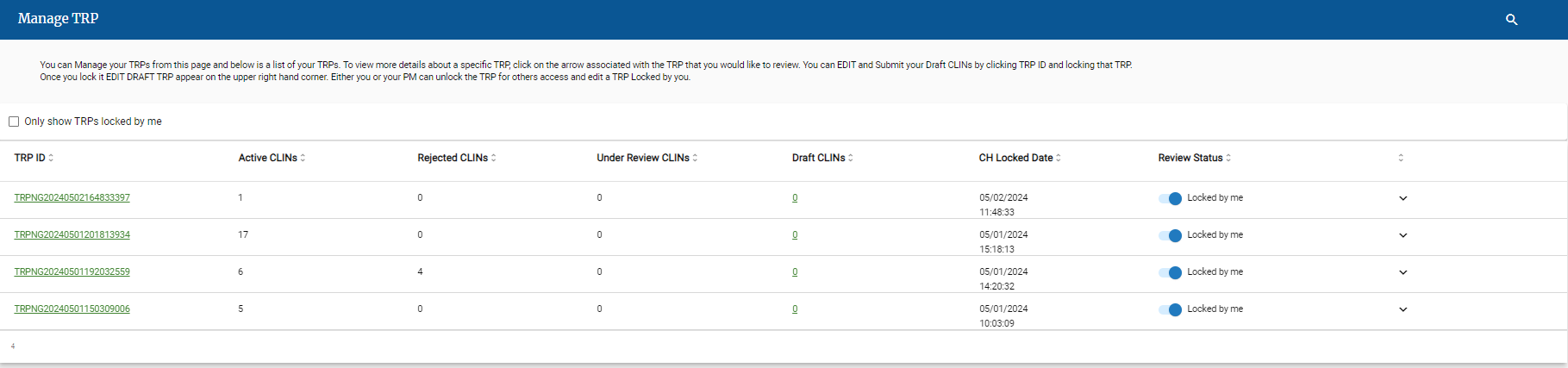
Click the Manage TRPs tab
Tip
You can access a specific Contract Holder in the drop-down list.
Tip
You can search in the Search field.
On the Manage TRP tab, click the TRP ID link.
The TRP Details screen displays the list of CLINs in each status.
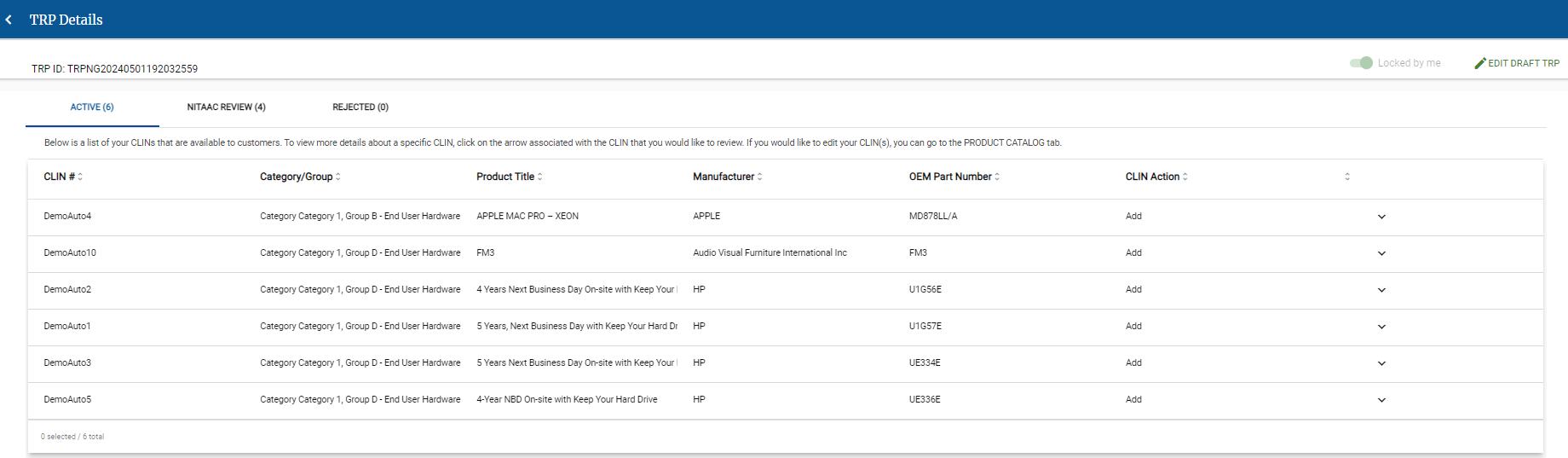
Click one of the following tabs to view the CLINs assigned that status.
Active
Approved CLINs that are visible to customers.
NITAAC Review
CLINs currently assigned to NITAAC for review.
Rejected
CLINs rejected by NITAAC.



