To Download an Invoice
Start on the Contract Holder Details page.
Tip
Click Payments Needed. The payments needed order list appears.
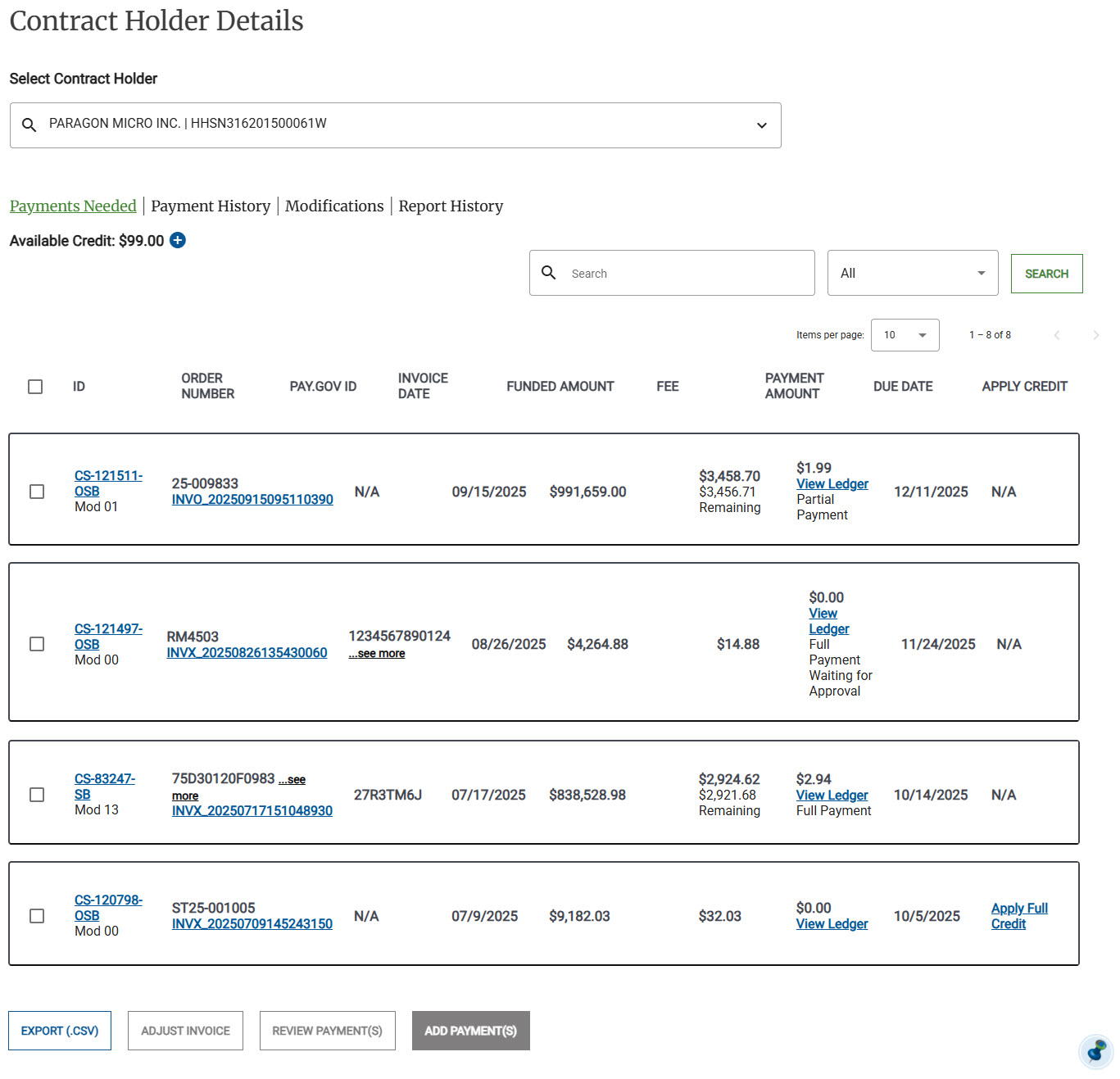
Locate the invoice you would like to view and click Download Invoice for an applicable payment. The invoice downloads as a pdf.
