To Update OFM Date
Start on the Contract Holder Details page.
Tip
Click Payment History. The payments needed order list appears.
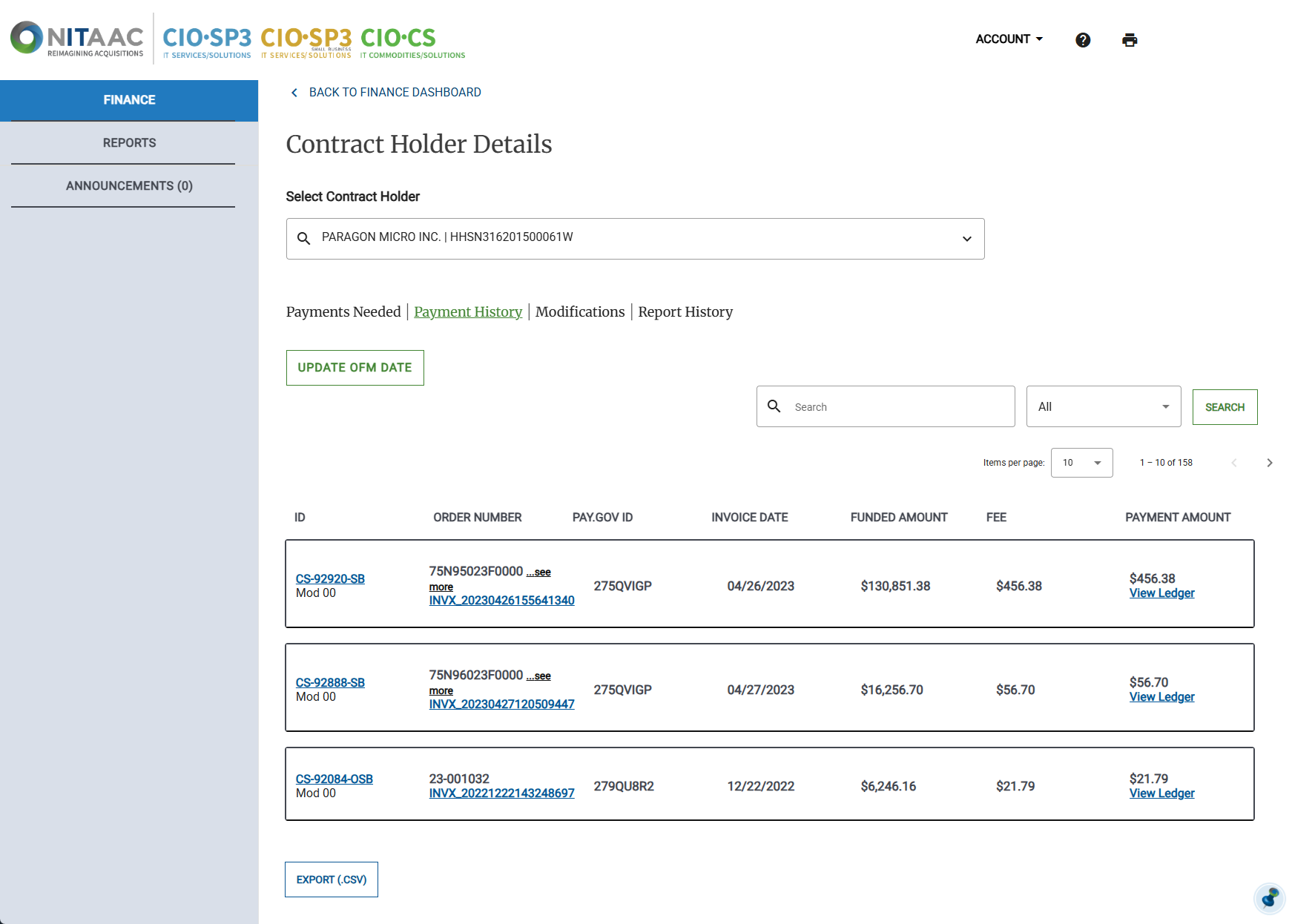
Click Update OFM Date. The Update OFM Date page appears.
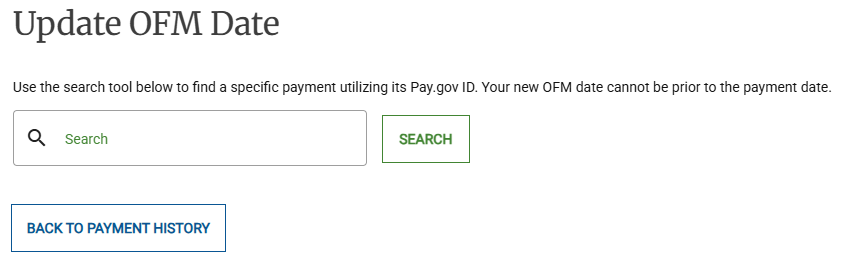
Enter the Pay.gov ID for the payment(s) that you want to update, then click Search.
Enter the date in the New OFM Date field.
Click Update OFM Date.
