To View Modifications
Note
Only approved modifications appear in the modifications list.
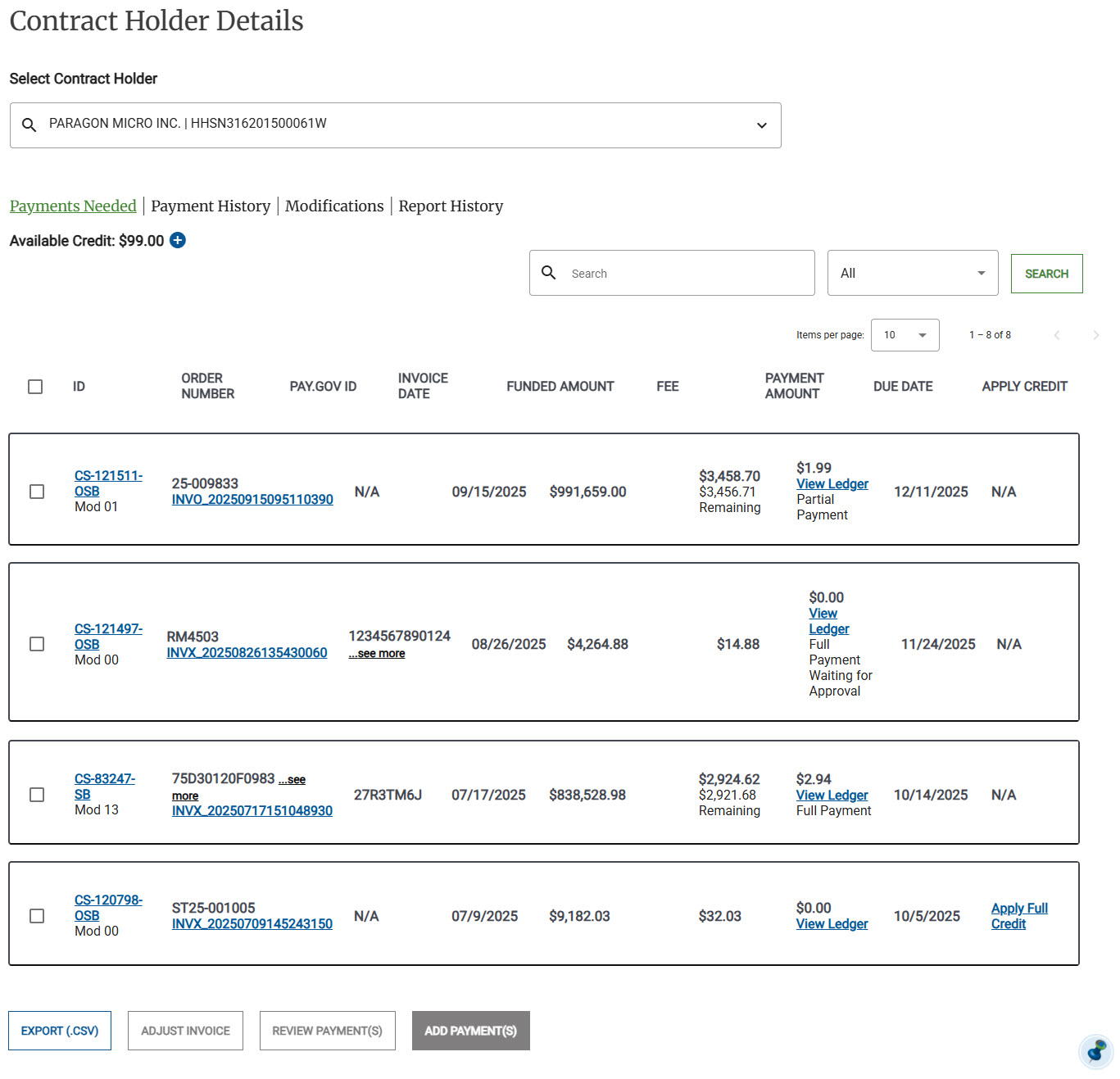
Start on the Contract Holder Details page.
Tip
Click Modifications. The modifications list appears.
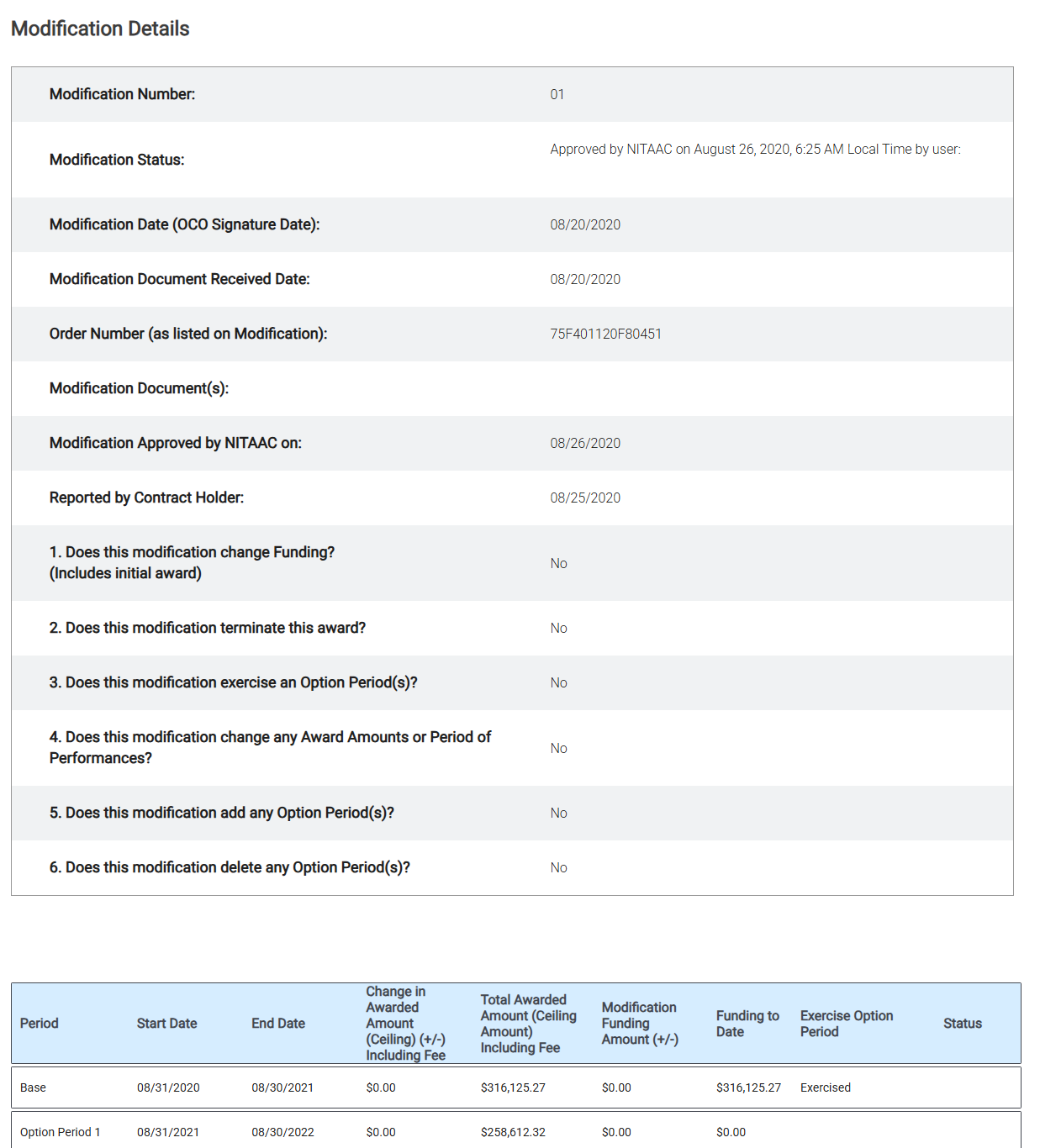
Click the MOD Number for the modification that you want to view.