Clarify/Discuss
When the response period has ended, the Federal Customer evaluates the proposals.
During these evaluations, the Federal Customer might have questions or require clarification regarding a proposal.
Note
The Federal Customer may provide a deadline and instructions for the Clarify/Discuss period.
The Federal Customer has the option to make these discussions available to all Contract Holders who submitted proposals, or the discussions may be one-on-one.
When the Federal Customer sets a Clarify/Discuss period, the following happens:
Clarify/Discuss is enabled on the Left Rail in the Activity.
Affected Contract Holders can submit an updated response.
The e‑GOS system sends an email notification to the Contract Holder’s GWAC email address to let them know that the Clarify/Discuss period has been opened.
To View Clarify/Discuss Messages
On the Activities dashboard click the ID of the order.
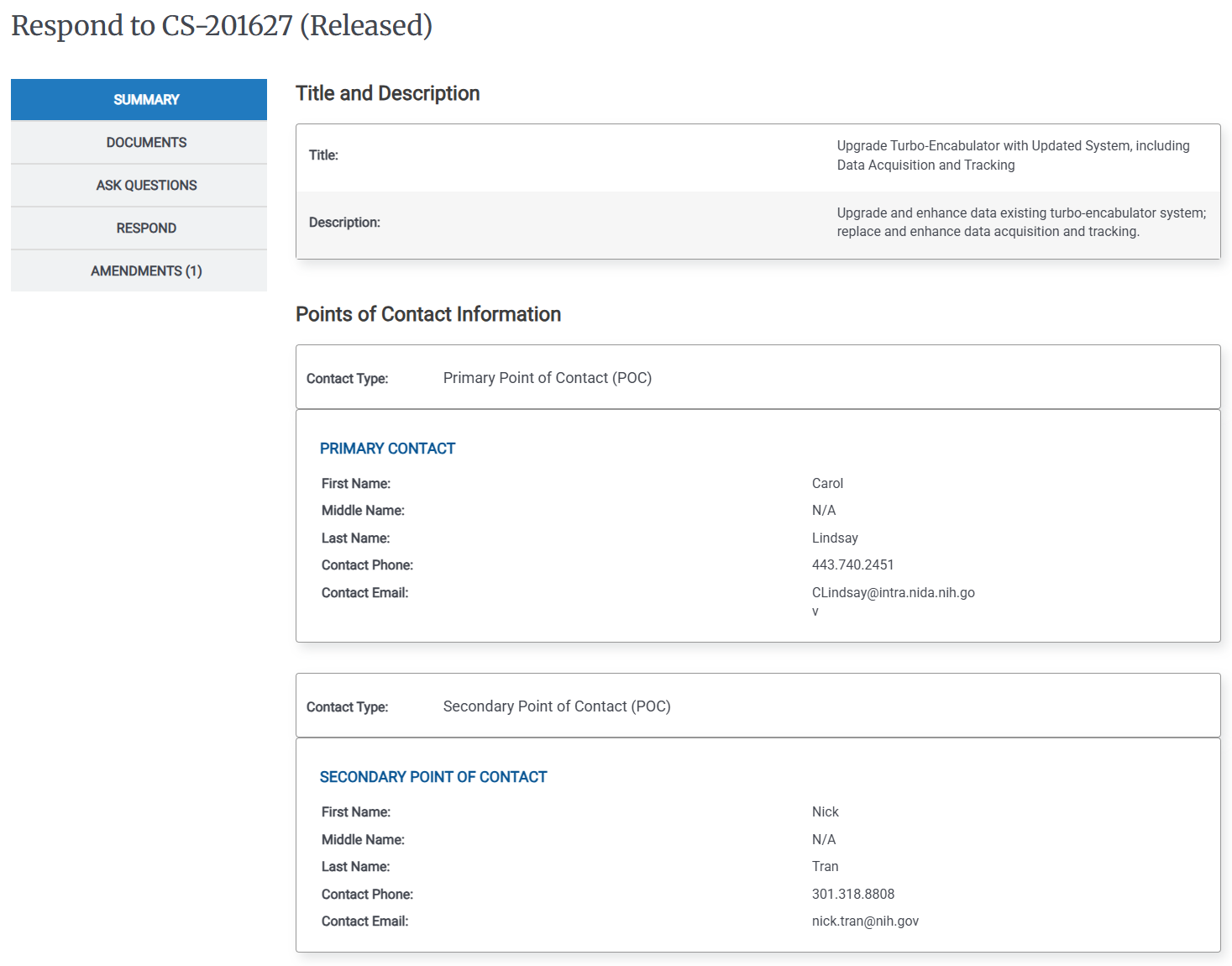
Click Clarify/Discuss(*) on the Left Rail. The clarify/discuss history page appears.
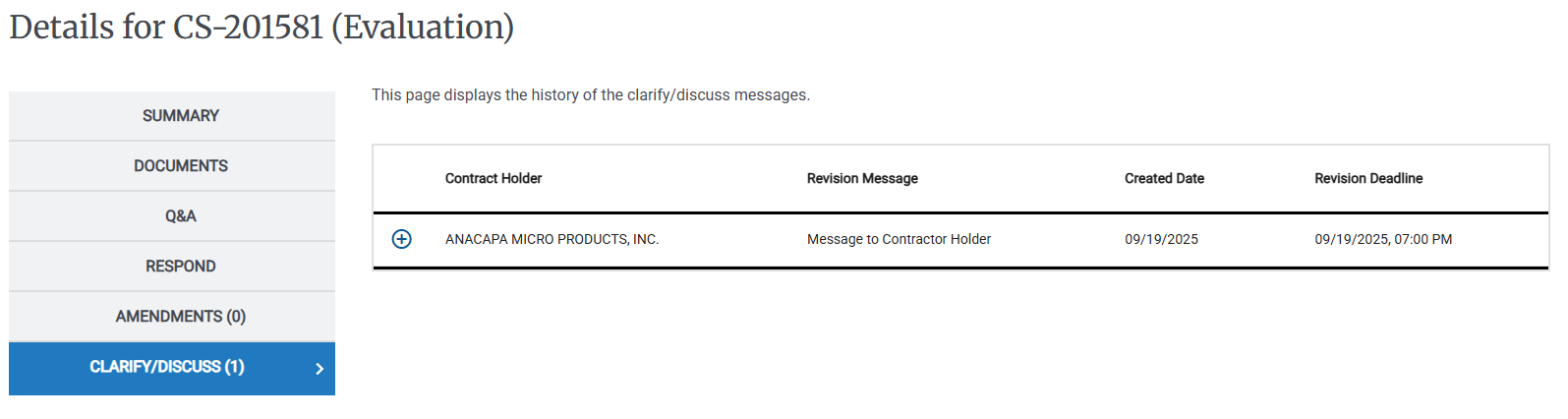
Click the Expand Details (
 ) icon to view attachments and details for a particular message.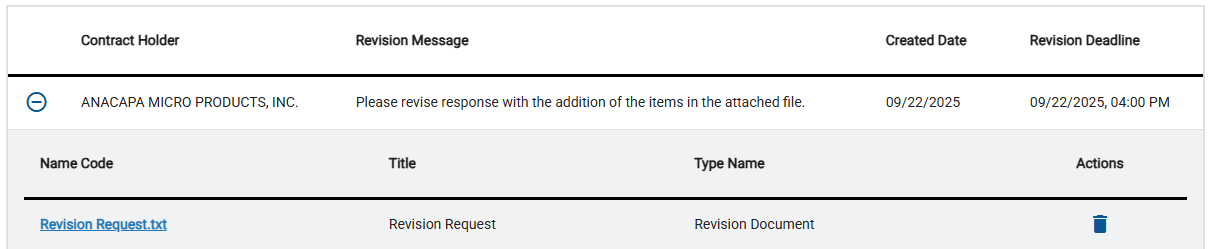
Tip
You can click the name of any attachment in the File Name column to download it to your computer.
You can click Update your response to respond to the update request.
If the Clarify/Discuss period has not ended, the Federal Customer can delete attached documents. After the Clarify/Discuss period has ended, documents cannot be deleted.
To Respond to Clarify/Discuss
To respond to Clarify/Discuss you submit an updated bid.
For more information, see: To Respond to CIO-SP3 or CIO-SP3 Small Business Activity with Documents Only.