To View the Payment History
You view payments that you have made in the Payments dashboard.
In the Left Rail, click Payments.
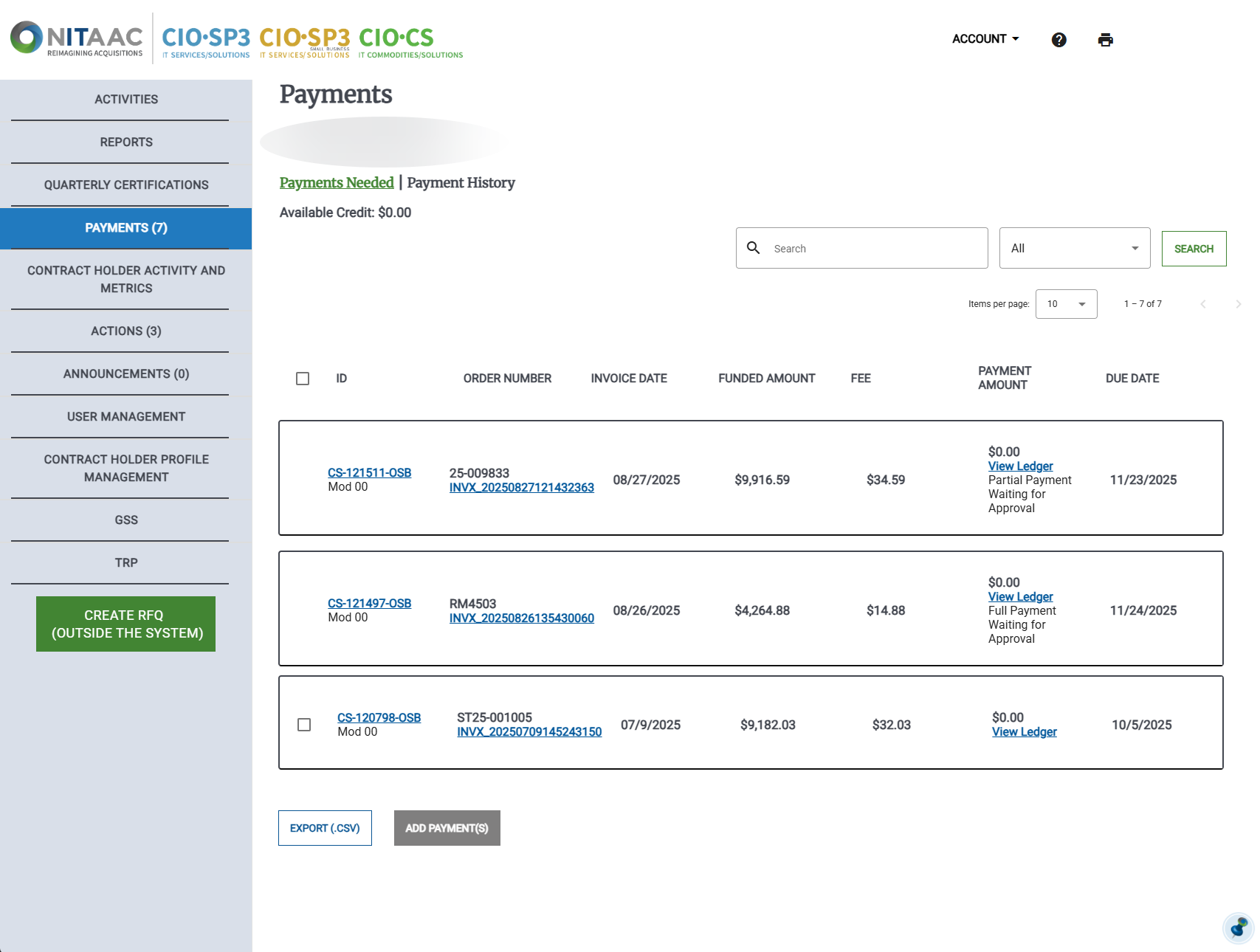
In the Payments dashboard click Payment History. The Payment History page appears.
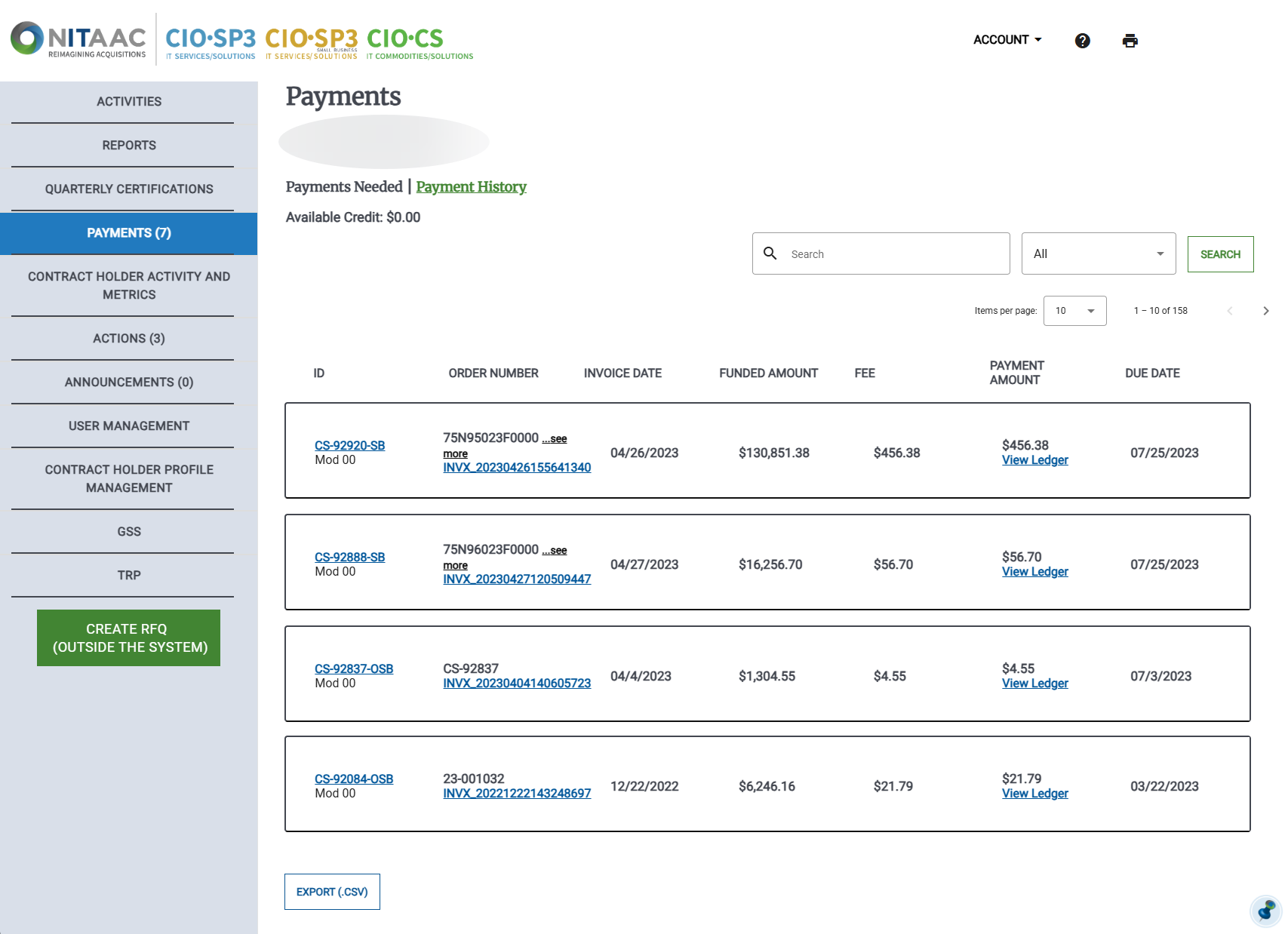
In the Payment History, do any of the following:
Click any Activity ID
View the Activity Details page.
Click the link in any order number
Download the Invoice in PDF.
Click View Ledger for any activity
Open the View Ledger window to view the ledger entry.
Click Export (.CSV)
Download a Comma-Separated Values (CSV) file of the payment history. You can open the file in an application for further analysis or use it in your bookkeeping.