To Make Changes to Multiple Users
You can use Bulk Action(s) in the User Management page to update multiple users at the same time.
Note
The e‑GOS Program Support role cannot change other users' roles. The Change User Role option does not appear if you are assigned to the e‑GOS Program Support role.
On the Left Rail, click User Management. The User Management page appears.
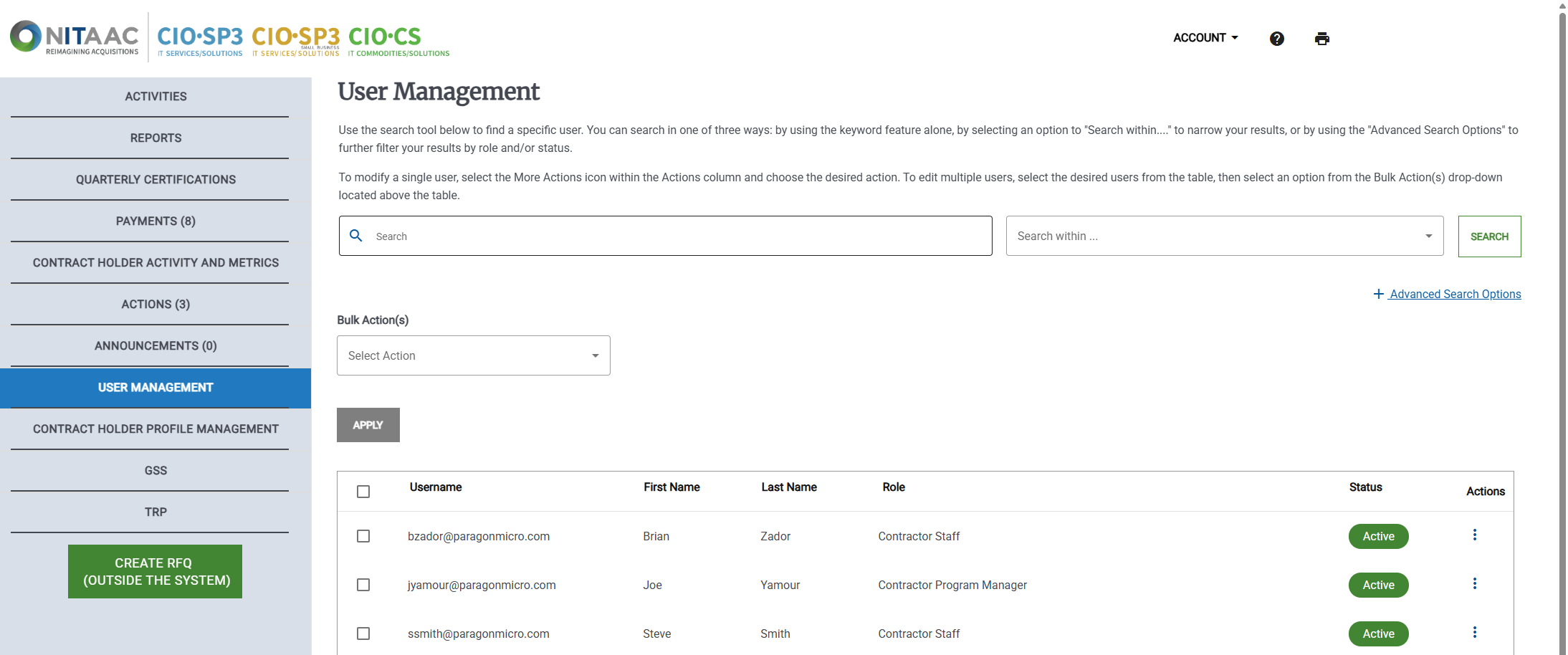
Select the change to make in the Bulk Action(s) drop down list.
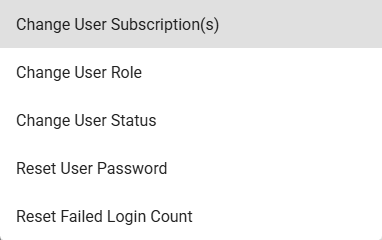
You can make any of the following changes:
Change User Subscription(s)
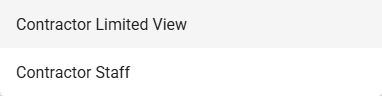
Change User Role
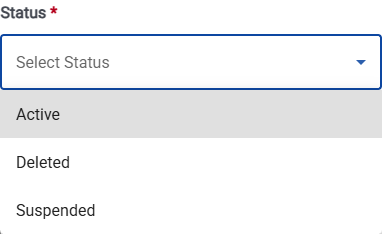
Change User Status
Reset User Password - no further selections needed.
Reset Failed Login Count - no further selections needed.
Select the checkbox
 for each user to update.
Click Apply.