To Reset a User's Password
Tip
The User Management page lets you reset another user's password.
For information about changing or resetting your own password, see To Reset Your Forgotten Password.
On the Left Rail, click User Management. The User Management page appears.
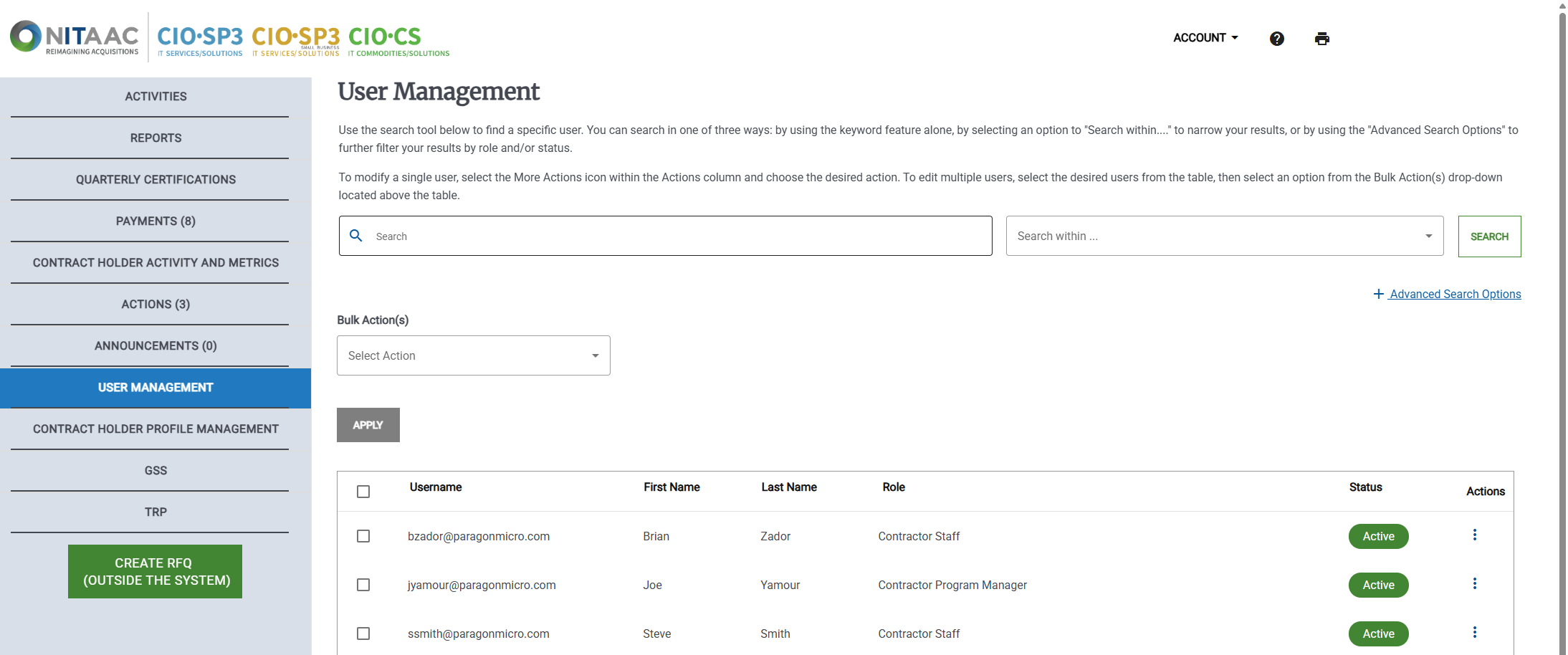
Click the Actions (
 ) button in the Actions column for the user. The Actions menu appears.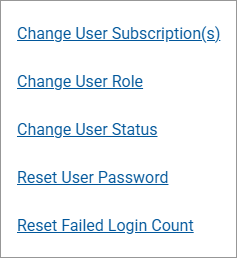
Click Reset User Password. A confirmation message that the password count has been reset appears.
