Manage the Product Catalog
The Product Catalog page lists all active CLINs. Active CLINs are available to customers in the CS Catalog. You can access them when you respond to an RFQ.
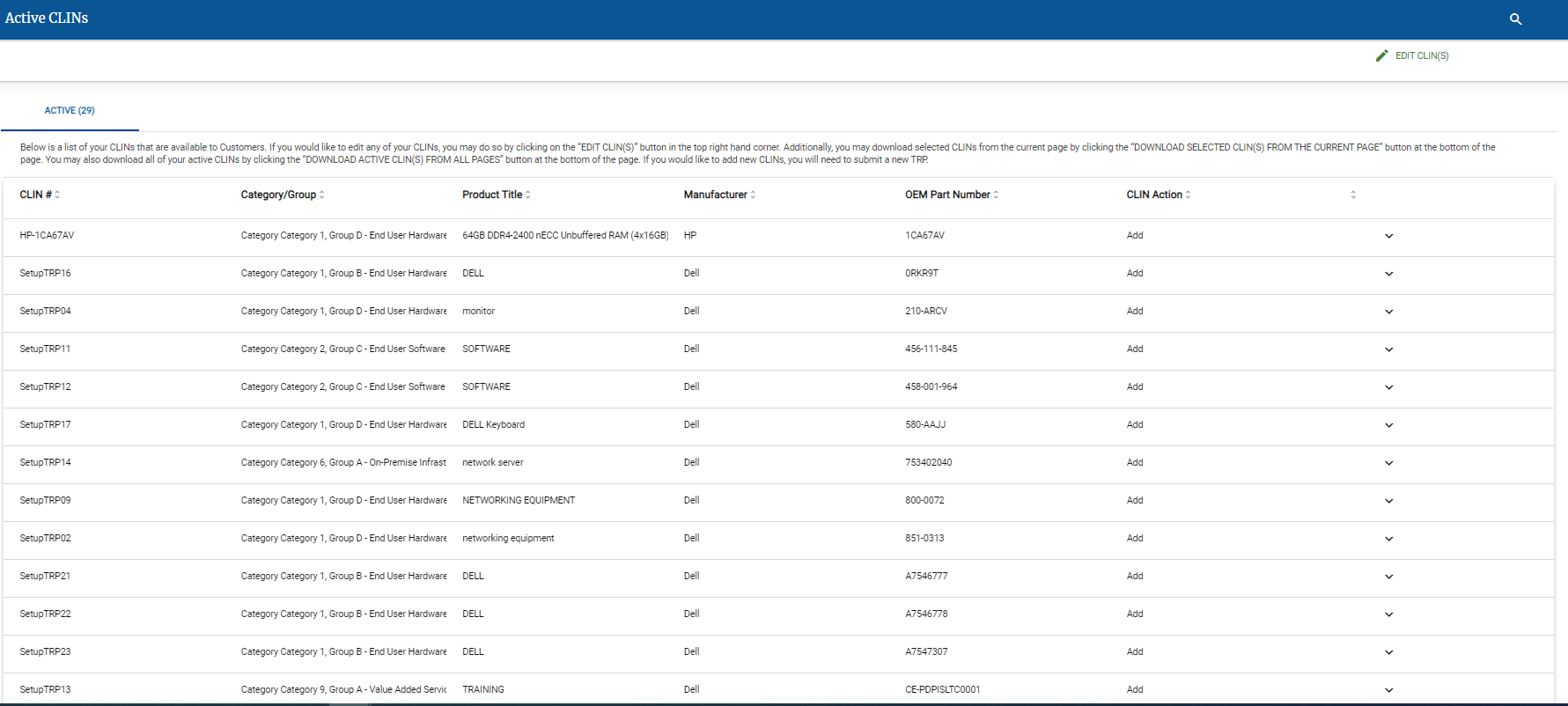
To Download All Active CLIN(s)
On the Product Catalog page, click Download Active CLIN(s) From All Pages - (xx) at the bottom of the CLIN list.
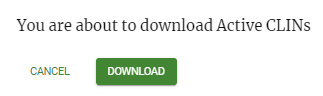
In the confirmation pop-up, click Download.
Caution
The download process make take some time, depending on the number of Active CLINs in your Product Catalog.
The Excel file containing the list of all active CLINs appears in your Downloads folder.
To Download Selected Active CLIN(s)
Click Edit CLINs.
Select the checkbox (
 ) for each CLINs that you want to download.
At the bottom of the CLIN list, click Download Selected CLIN(s) from Current Page - (xx) at the bottom of the CLIN list.
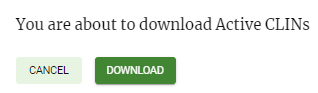
In the confirmation pop-up, click Download.
Caution
The download process make take some time, depending on the number of Selected Active CLINs.
The Excel file containing the list of all active CLINs appears in your Downloads folder.
To Edit Active CLIN(s)
On the Product Catalog page, click Edit CLIN(s).
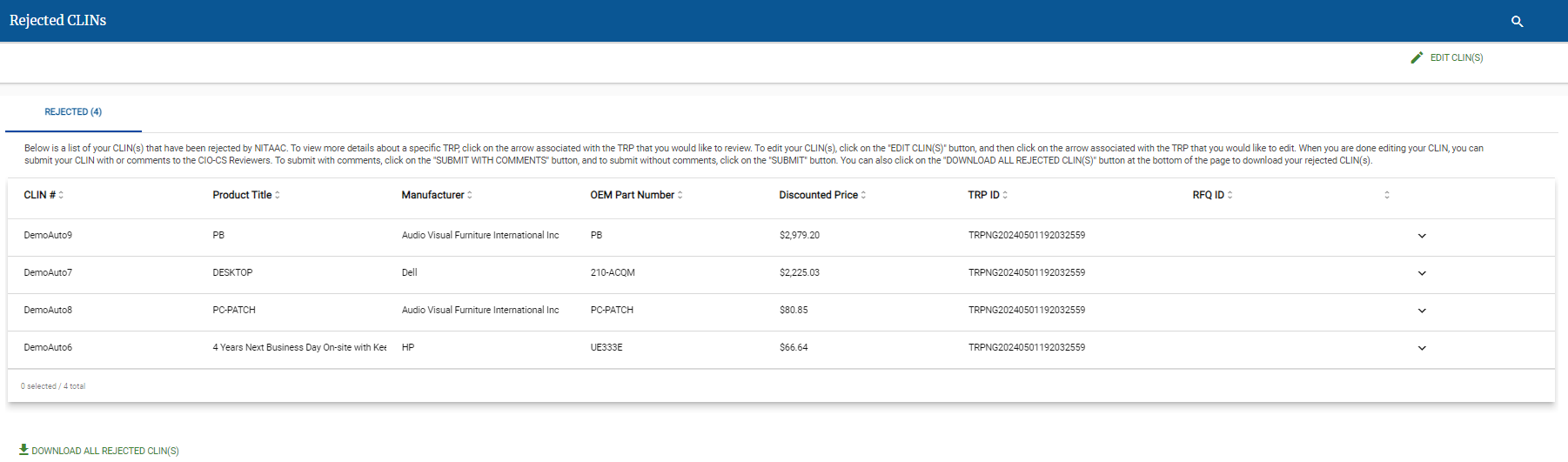
Click the menu icon (
 ) next to the CLIN that you want to edit.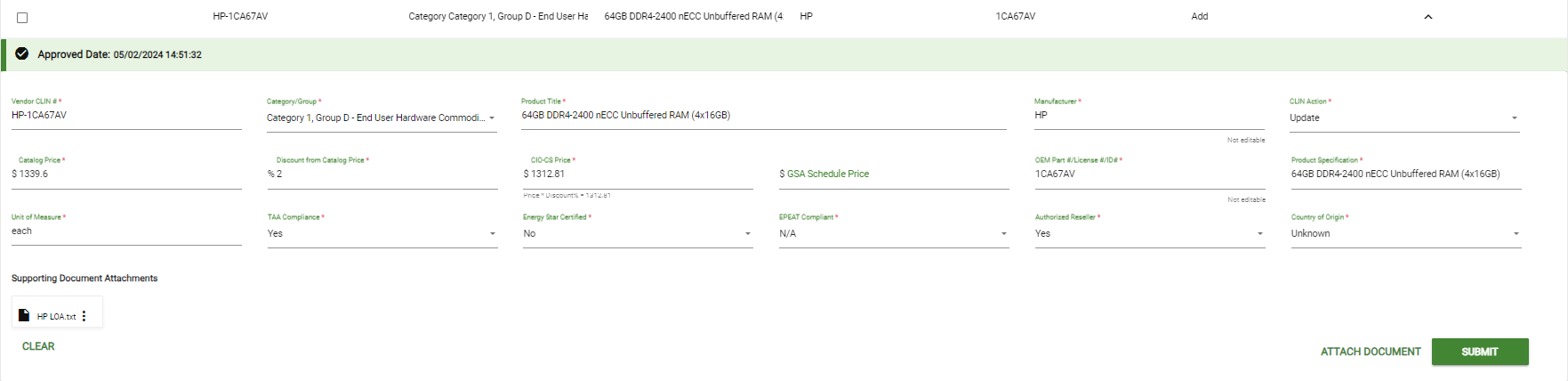
Make any needed changes to the CLIN data.
Click Attach Documents to add additional documents to the CLIN.
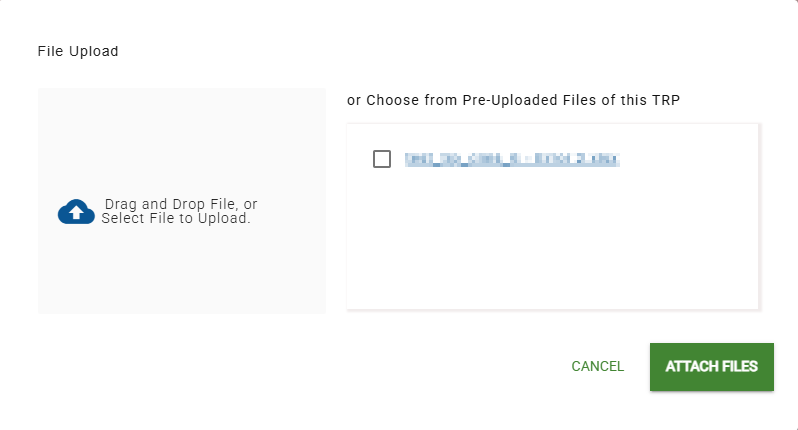
In the File Upload page, do one of the following:
Drag and drop one or more files to upload to the Drag and Drop File area.
Click Drag and Drop File, or Select File to Upload and select one or more files to upload.
In the Choose from Pre-Uploaded Files of this TRP area, select the checkbox for any file that you want to attach.
Tip
When you upload a file, it appears in the Pre-Uploaded files area, with its checkbox selected.
Click Attach Files.
Click Submit.
Caution
When you click Submit, e‑GOS closes TRP Edit mode. To submit additional CLIN(s), click Edit CLIN(s) again.
Repeat as needed for additional Active CLIN(s).
To Delete Active CLINs
On the Product Catalog page, click Edit CLINs.
Warning
When you delete one or more CLINs, they cannot be recovered or viewed.
Select the checkbox (
) for every CLIN to delete.Click Delete Selected. A confirmation pop-up appears.
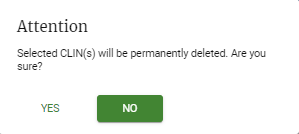
Click Yes.