To Reset a User's Failed Login Count
On the Left Rail, click User Management. The User Management page appears.
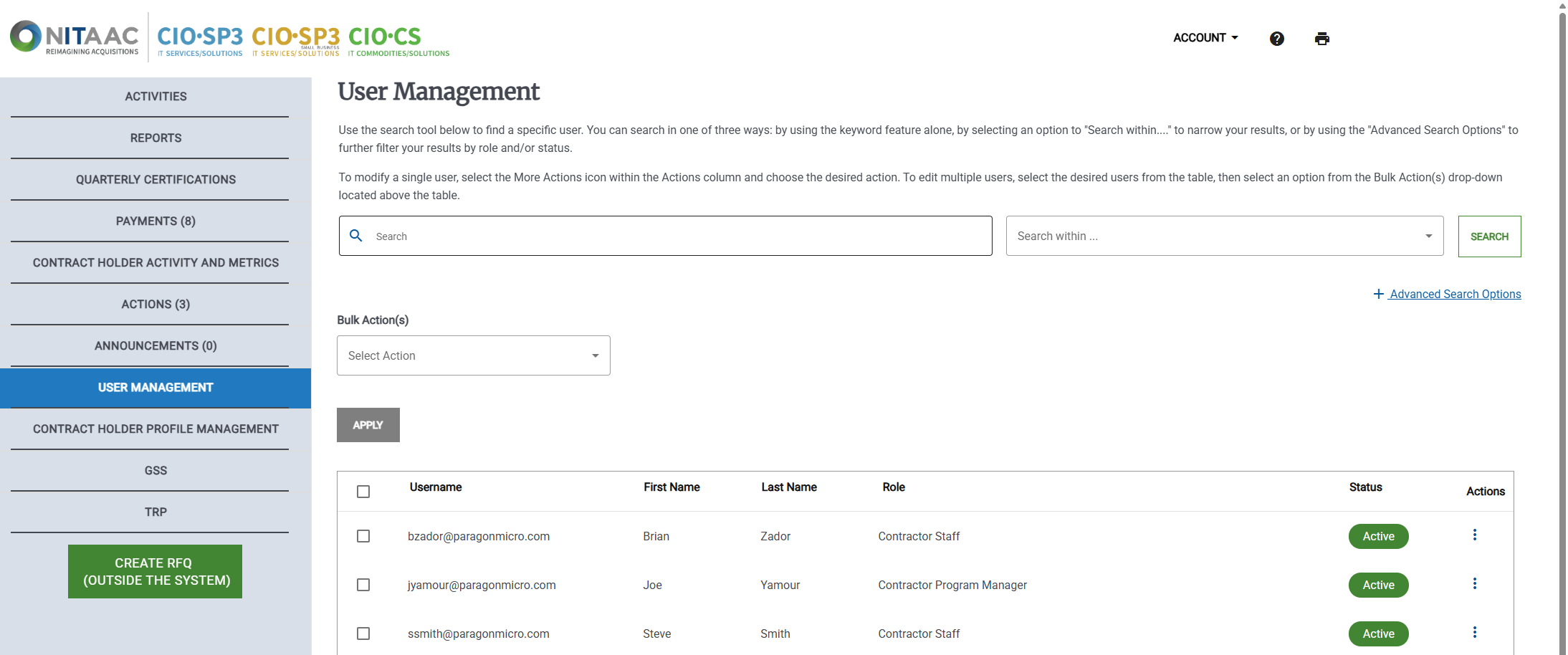
Click the Actions (
 ) button in the Actions column for the user. The Actions menu appears.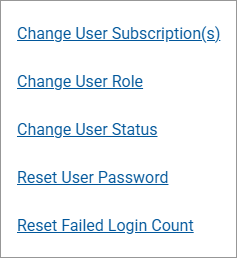
Click Reset Failed Login Count. A confirmation message that the password count has been reset appears
