To Change a User's Contact Information
On the Left Rail, click User Management. The User Management page appears.
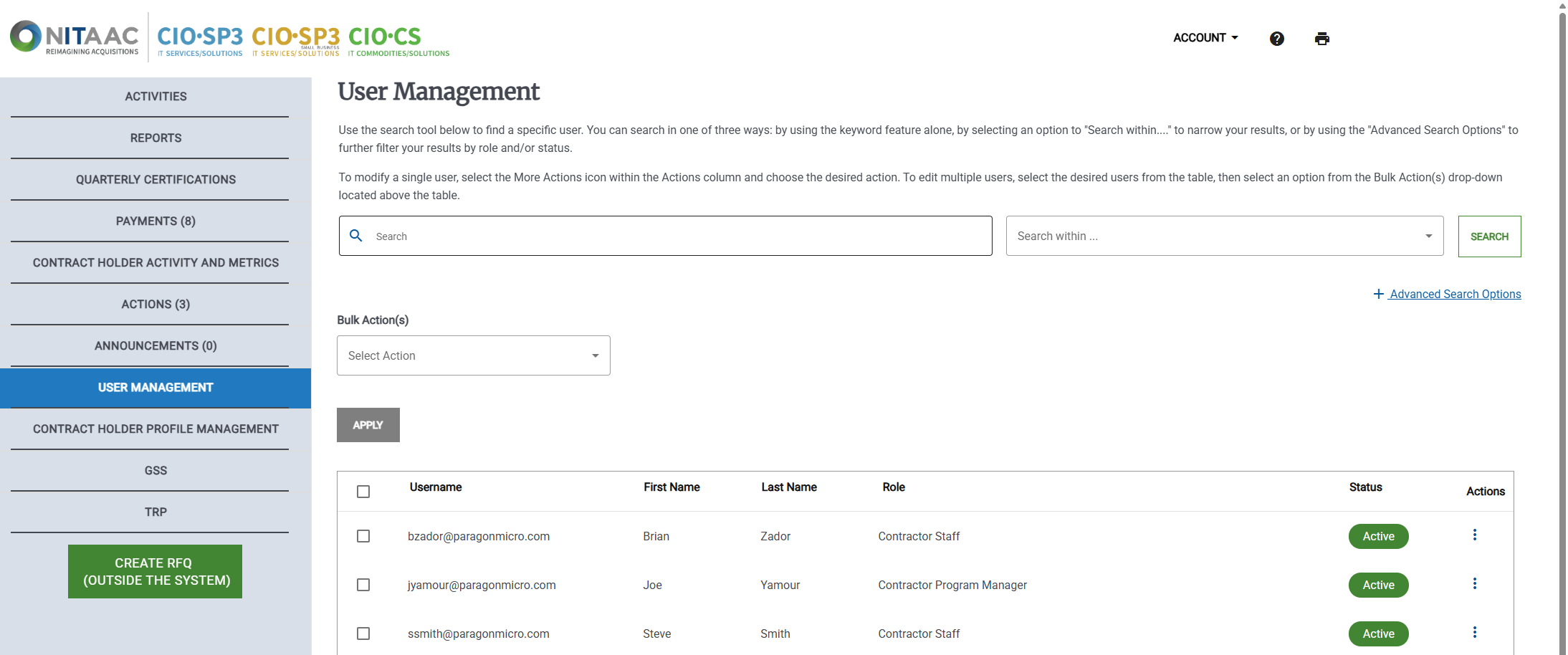
Click the Actions (
 ) button in the Actions column for the user. The Actions menu appears.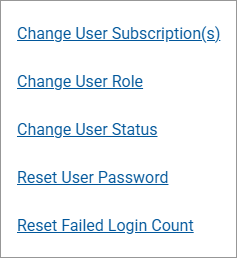
Click Change User Role. The User Information page appears.
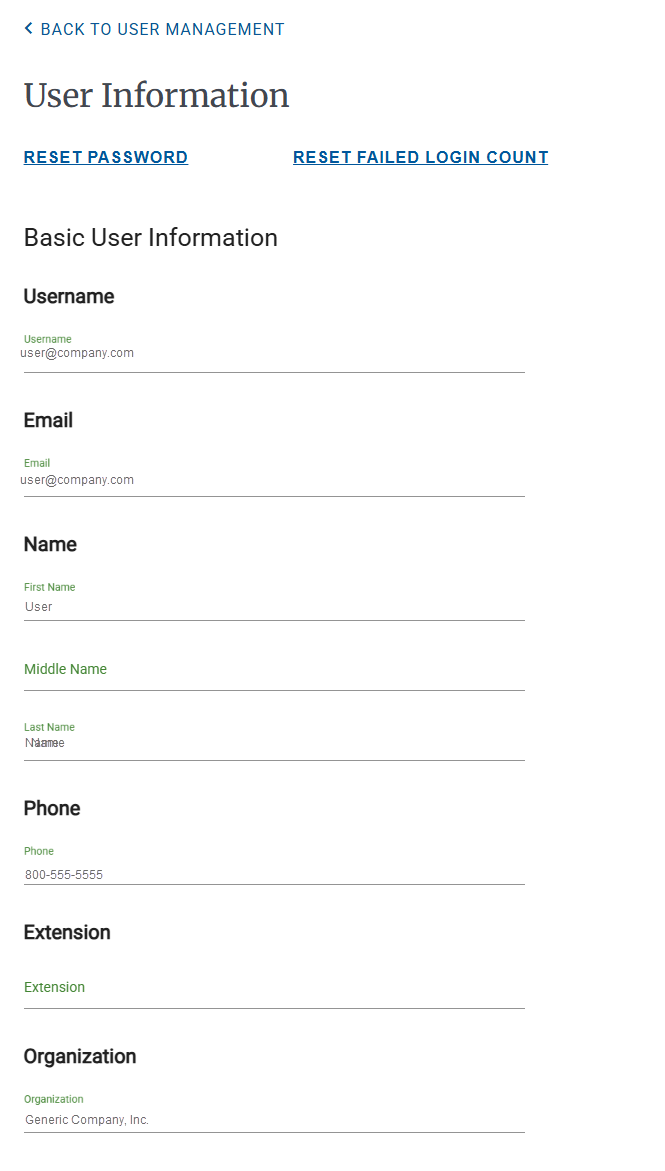
Make any needed changed to the user's name, username, or contact information.
Do one of the following: