To Manage Subscriptions
On the top right of the screen, click Account.
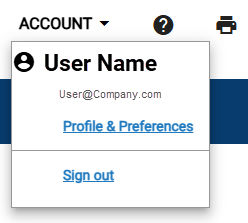
Click Profile & Preferences.
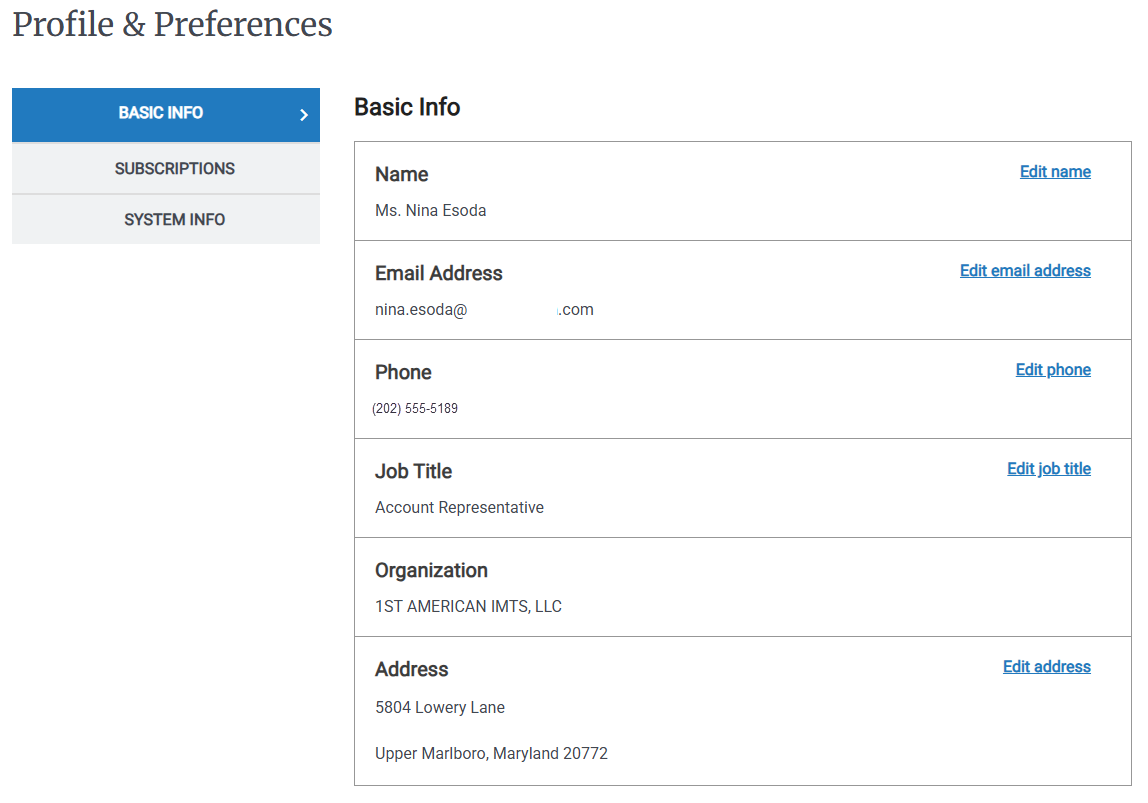
On the Left Rail click Subscriptions.
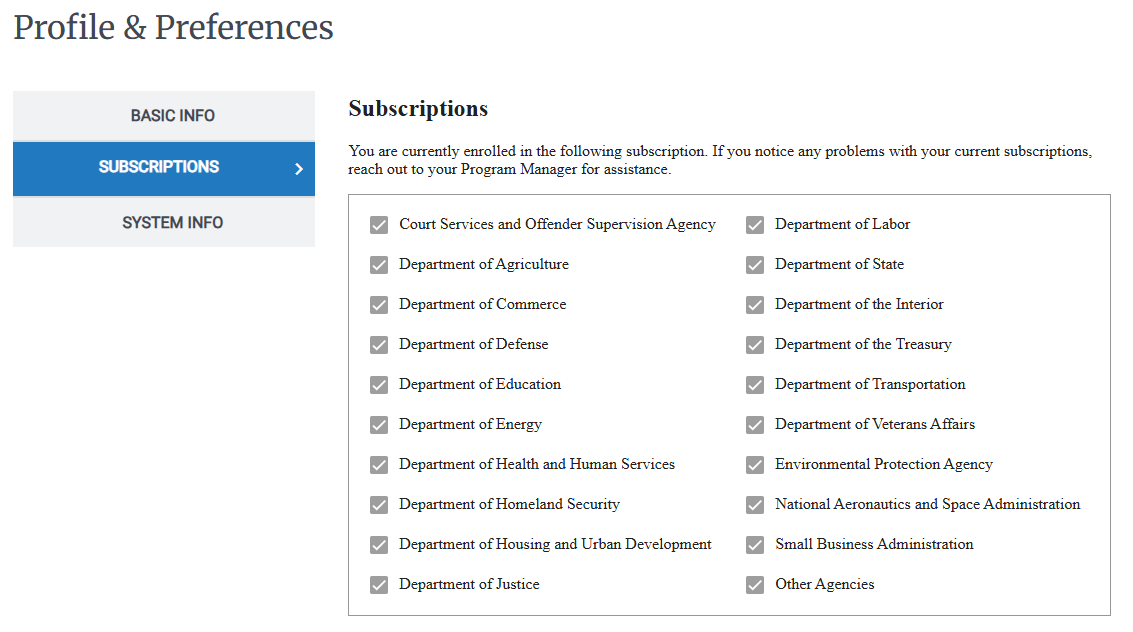
Select or clear a checkbox to add or remove that department.
On the top right of the screen, click Account.
Click Profile & Preferences.
On the Left Rail click Subscriptions.
Select or clear a checkbox to add or remove that department.