Q&A
A Federal Customer can designate a question and answer period when creating an Activity. During this period, you can submit questions, which are available to Federal Customers as soon as you submit them. You can also view answers provided by the Federal Customer.
Tip
If the Q&A deadline hasn't passed, you can delete or change unanswered questions.
To Ask Questions
Unanswered Questions
When the Q&A period expires, only answered questions appear in e‑GOS. Questions that you asked that the Federal Customer chose not to answer are no longer visible.
On the Activities dashboard click the ID of the order.
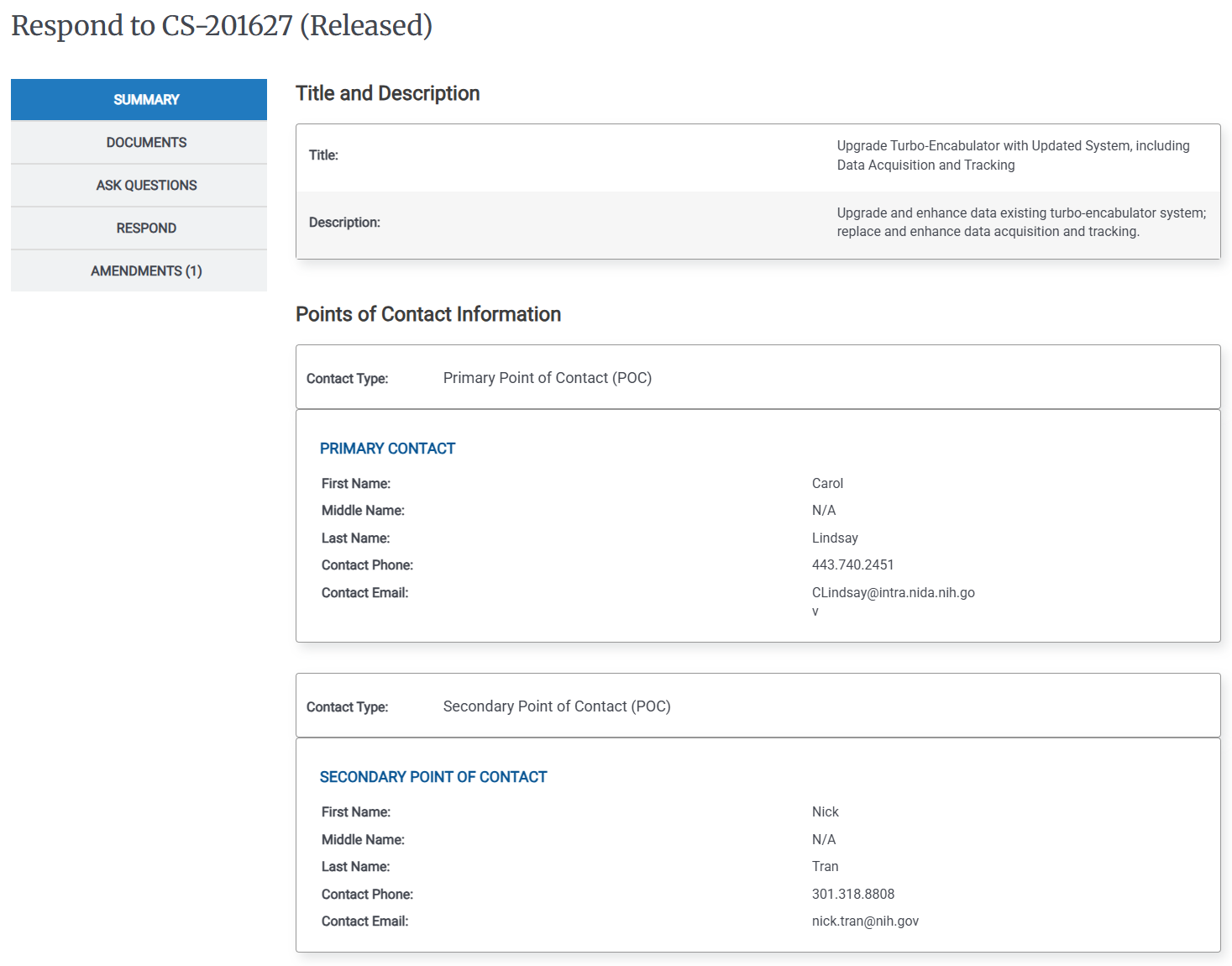
In the Left Rail, click Ask Questions. The Ask a Question page appears.
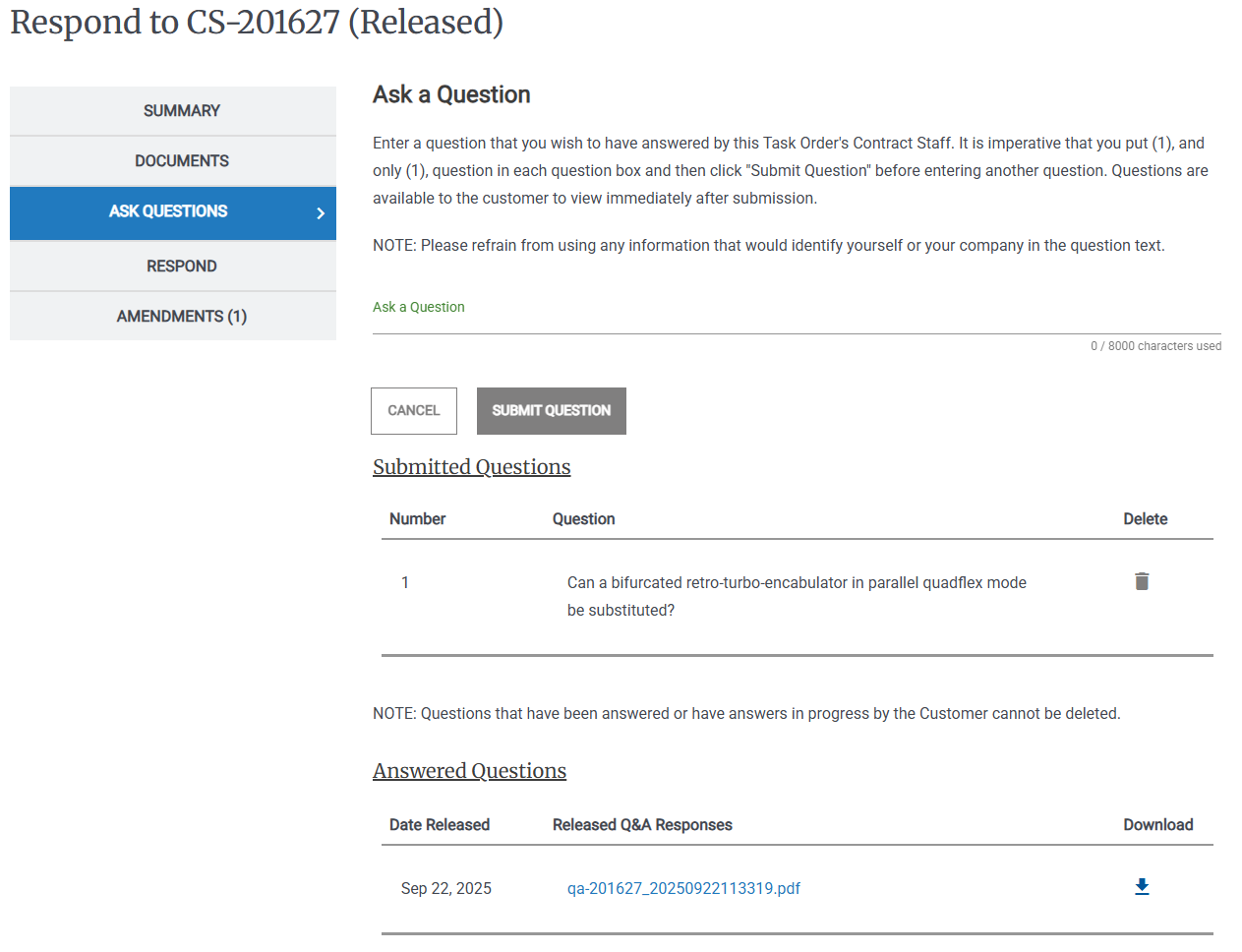
Enter the Question, then click Submit Question.
To Review Submitted Questions
Unanswered Questions
When the Q&A period expires, only answered questions appear in e‑GOS. Questions that you asked that the Federal Customer chose not to answer are no longer visible.
On the Activities dashboard click the ID of the order.
In the Left Rail, click Ask Questions. The Ask a Question page appears.
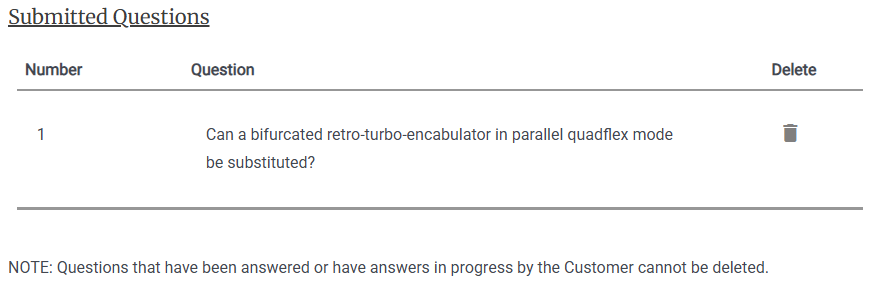
Review the Submitted Questions
To Review Answered Questions
Unanswered Questions
When the Q&A period expires, only answered questions appear in e‑GOS. Questions that you asked that the Federal Customer chose not to answer are no longer visible.
On the Activities dashboard click the ID of the order.
In the Left Rail, click Ask Questions. The Ask a Question page appears.
Review the Answered Questions
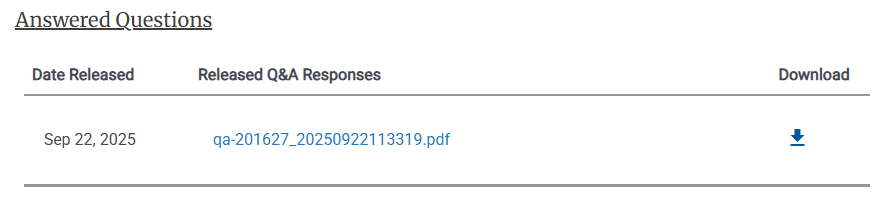
To download a PDF of the answers, click the Download
 button.